
Microsoft Excel For Beginner (In-house)
Empowering N.D Furniture with Mr. Khor to master Microsoft Excel fundamentals, streamline office reporting, and boost daily operational productivity.
9 – 10 December 2025
Program Overview
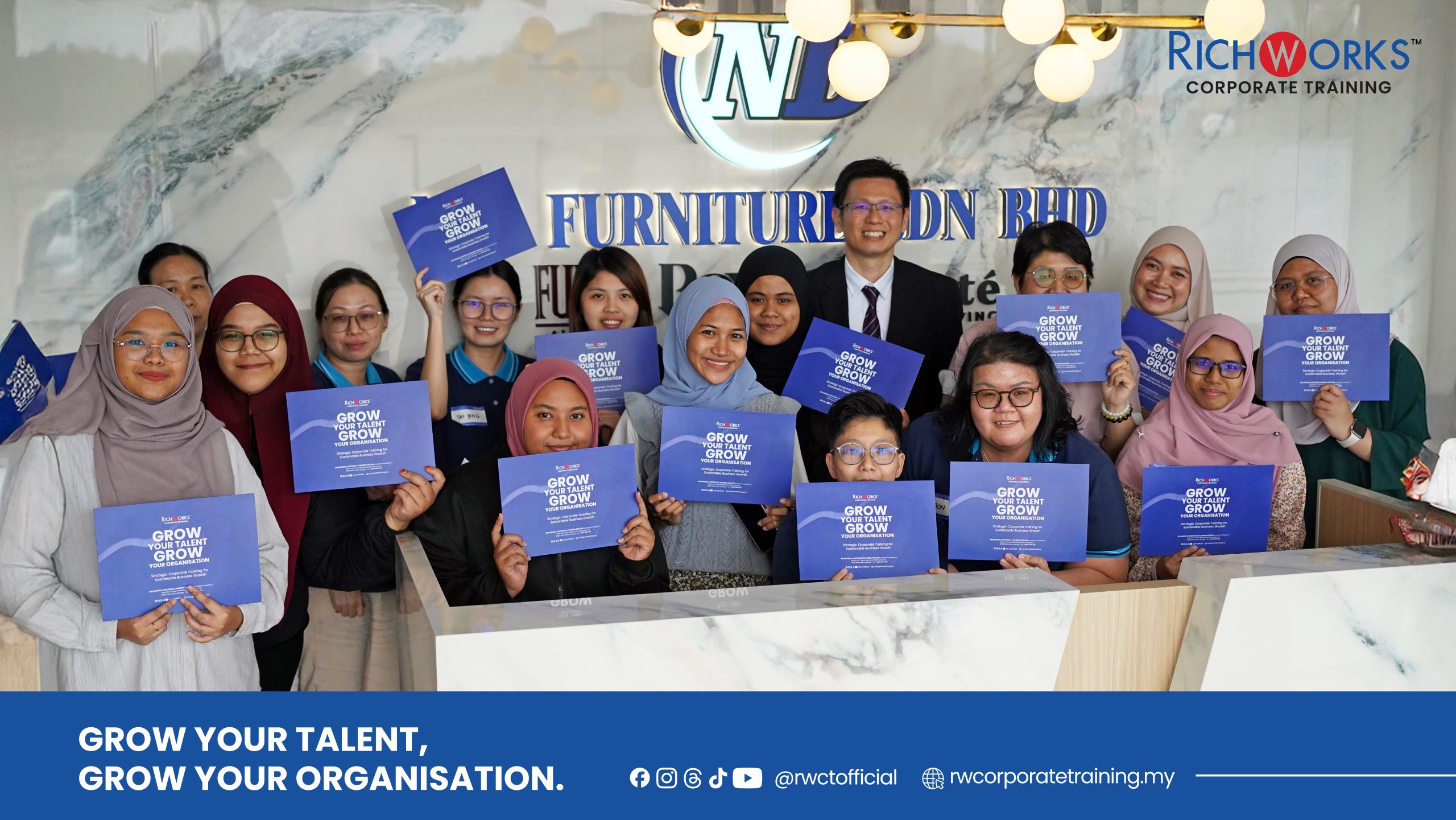
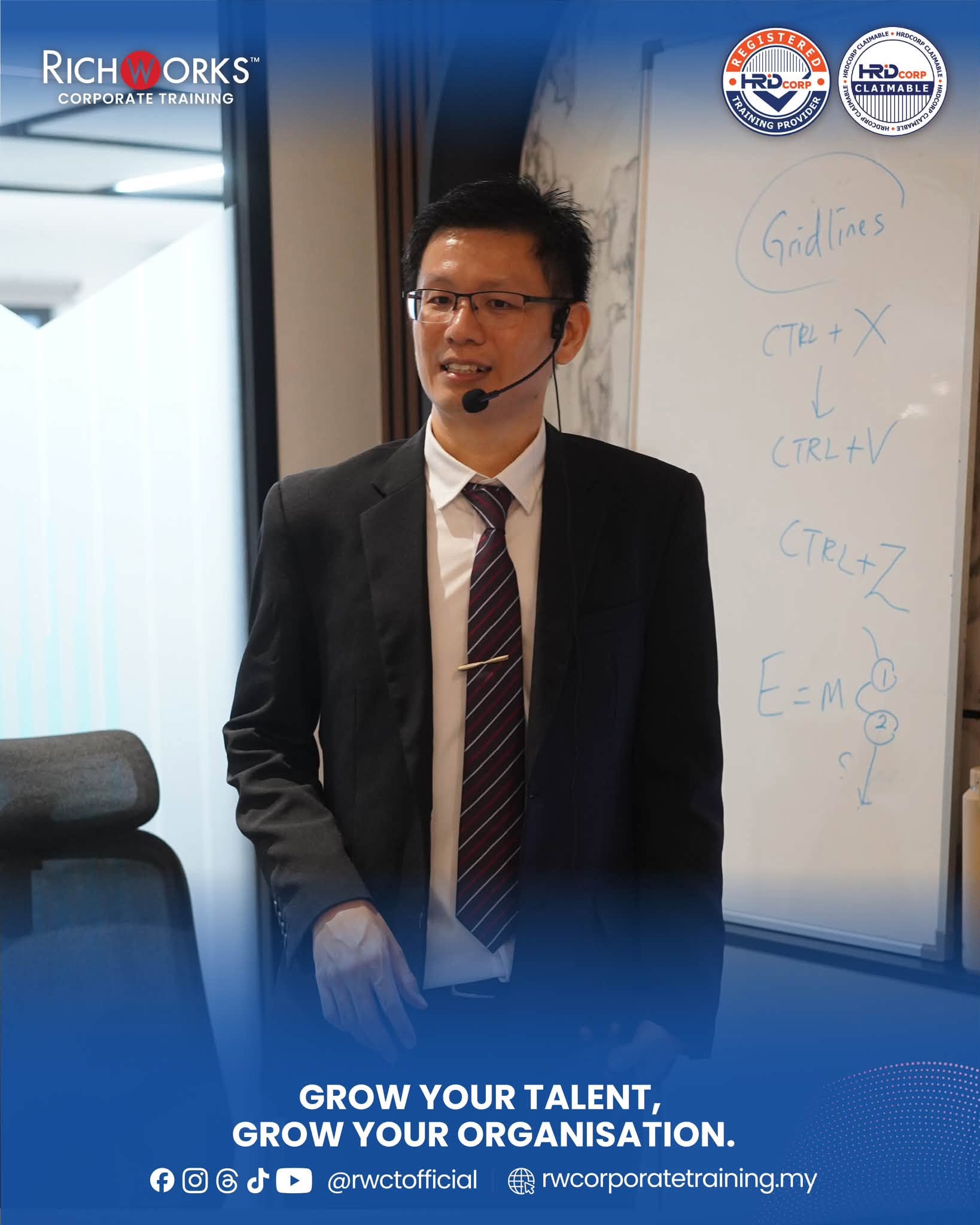
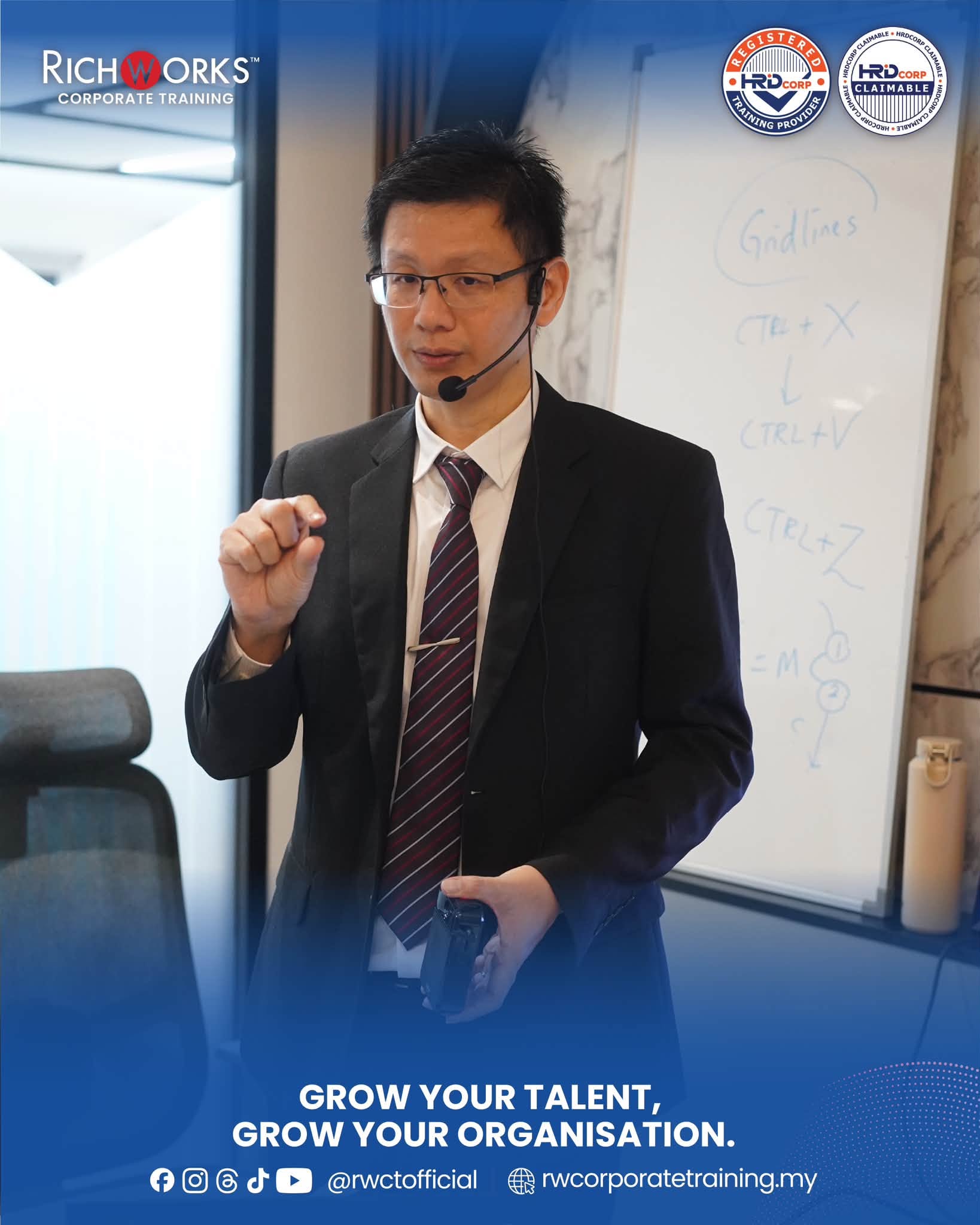
The Microsoft Excel for Beginner masterclass was successfully conducted on 13 August 2026 as an exclusive 1-day in-house corporate program at the office of N.D Furniture in Beranang. Facilitated by the patient and experienced spreadsheet specialist Mr. Khor, this foundational workshop was custom-designed to build absolute confidence in data entry, workplace reporting, and basic formula automation for the company’s operational team.
In a fast-moving retail and manufacturing business like N.D Furniture, accurate data management is the backbone of smooth operations from inventory tracking to daily sales reporting. For staff with little to no prior spreadsheet experience, navigating complex software can feel intimidating. Designed to transform computer apprehension into practical capability, this masterclass provided step-by-step guidance, hands-on learning, and essential keyboard shortcuts, empowering N.D Furniture’s workforce to streamline daily tasks, eliminate manual calculation errors, and organize information with ease.
Key Learning Outcomes
- Navigate Excel’s core interface with confidence, understanding ribbon tools, workbooks, worksheets, and grid structures.
- Perform clean data entry and formatting, applying cell styles, text alignments, and number formats (currency, percentages, and dates).
- Apply essential mathematical formulas and functions, including SUM, AVERAGE, COUNT, and introductory logical IF statements.
- Organize, sort, and filter data sets, utilizing Freeze Panes and custom views for seamless navigation through large lists.
- Transform raw numbers into visual charts, creating and customizing clean bar, line, and pie charts for clear management reporting.
- Boost daily work efficiency, leveraging essential keyboard shortcuts, relative/absolute cell references, and clean page layout setups for printing.
Programme Experience
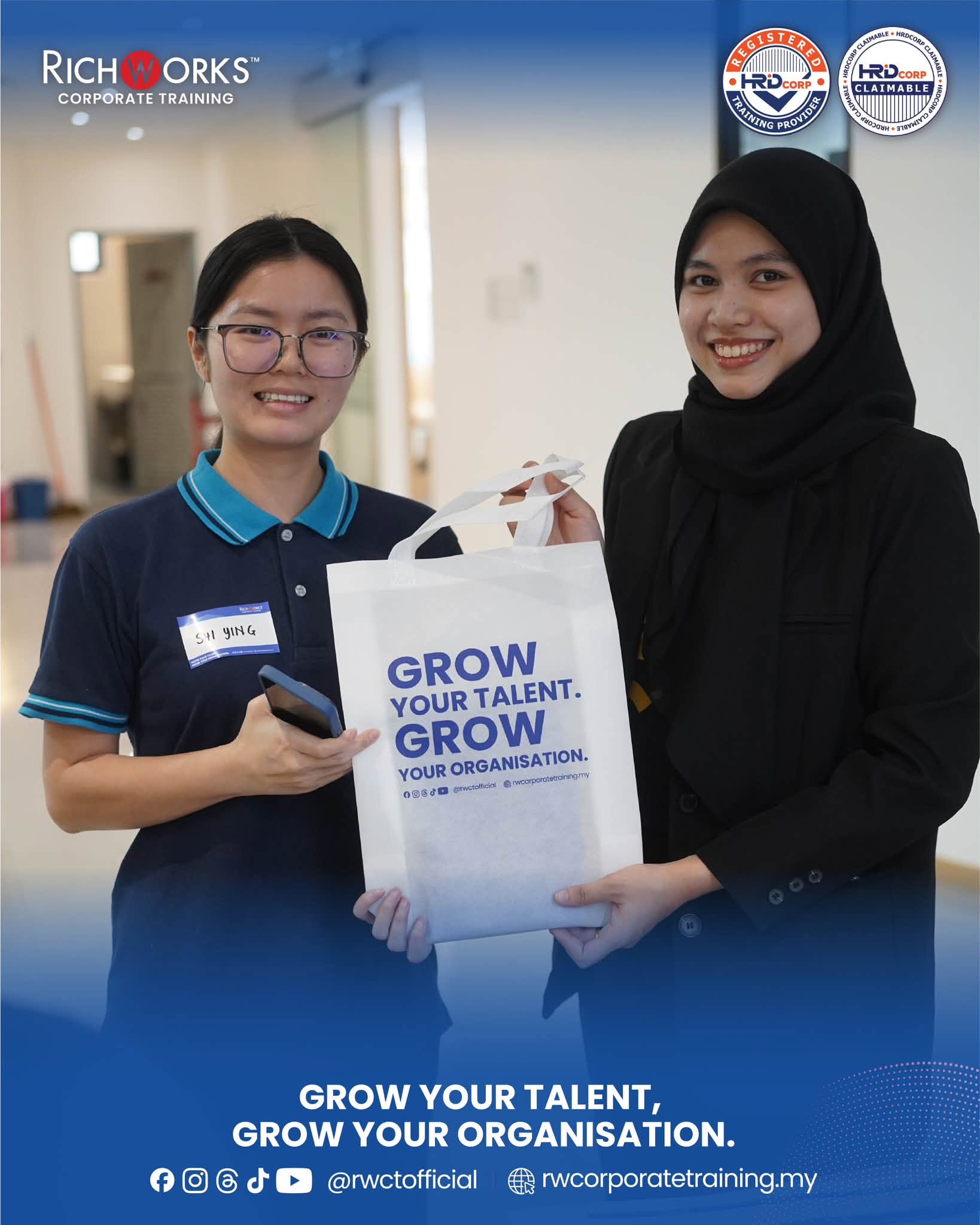
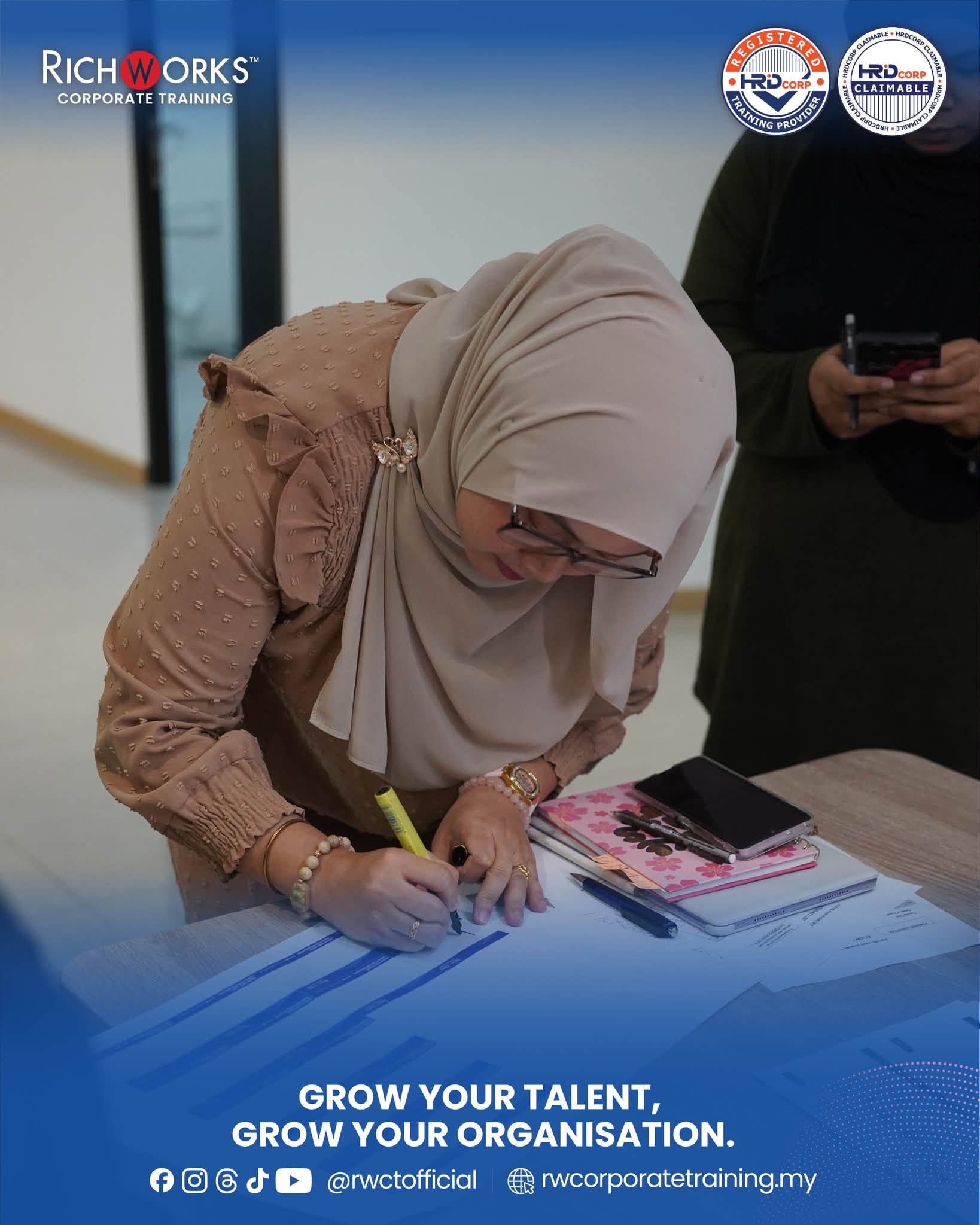
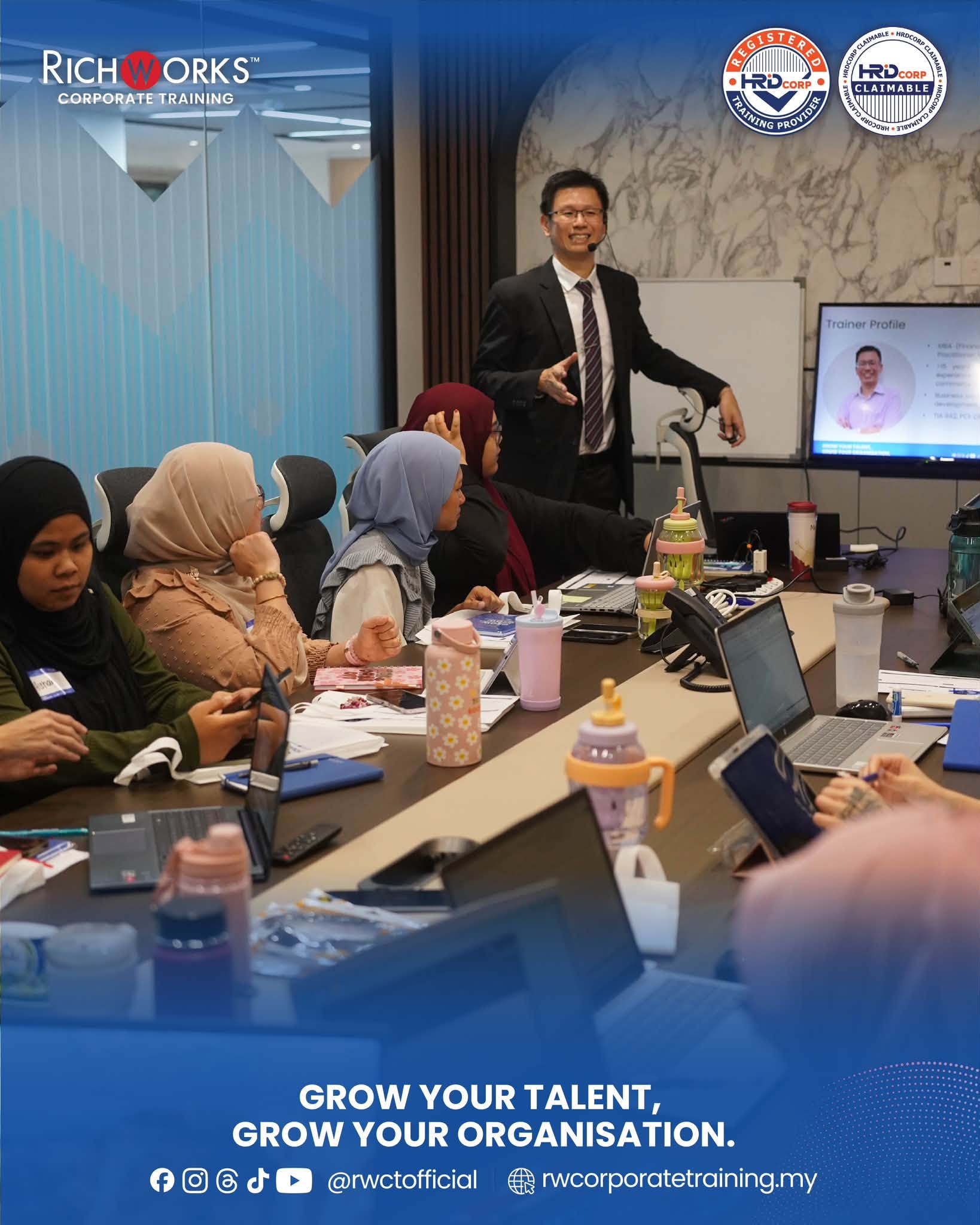
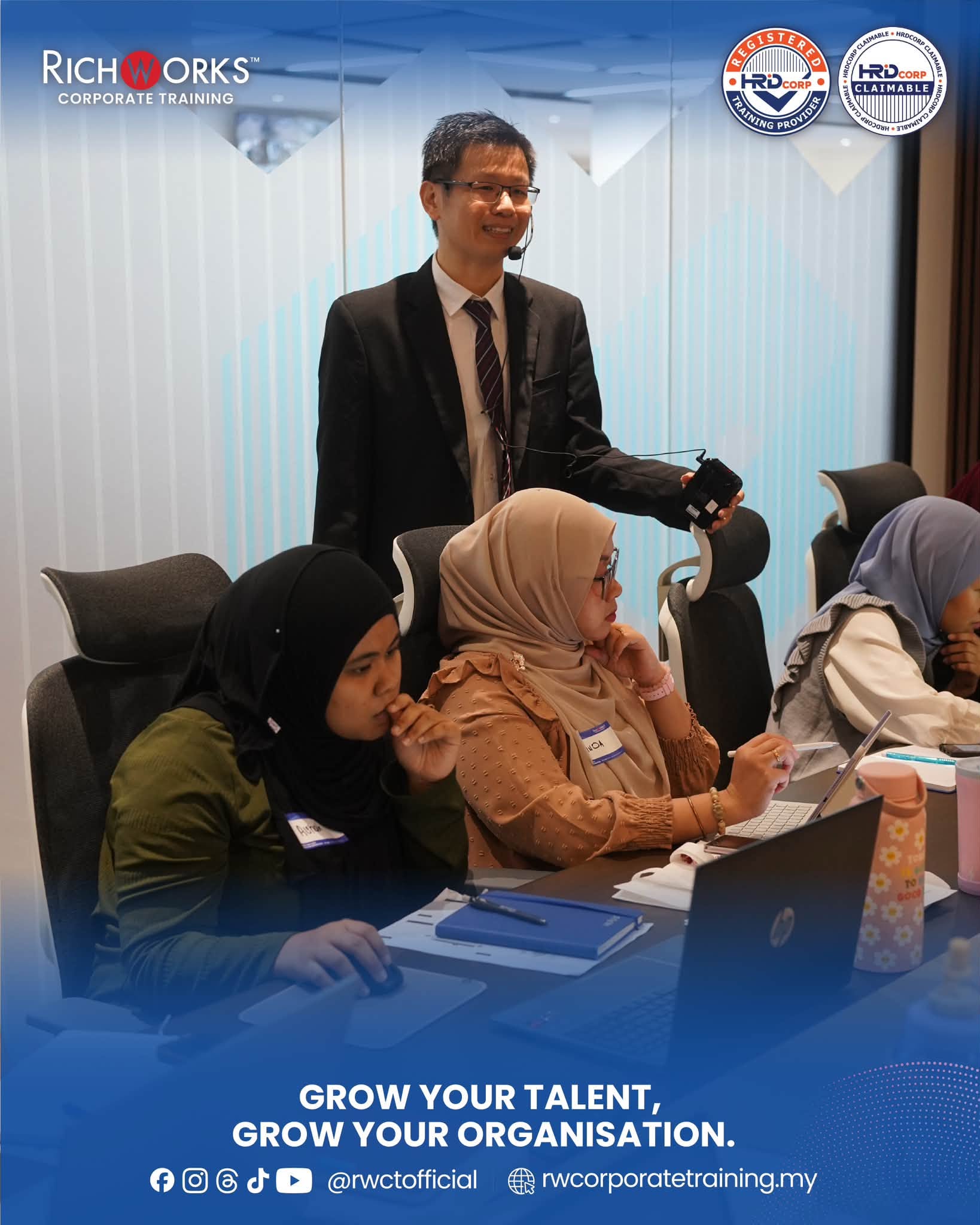
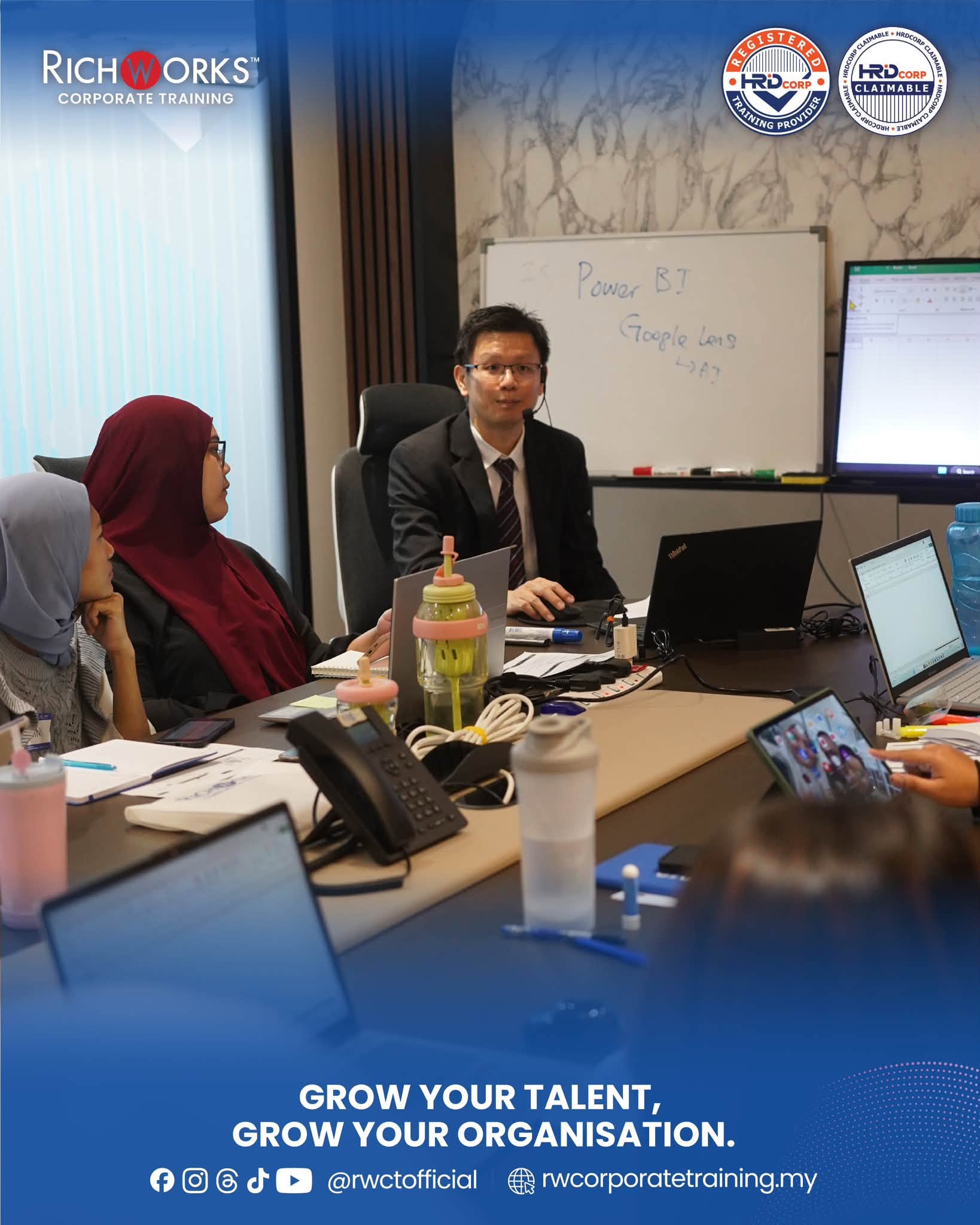
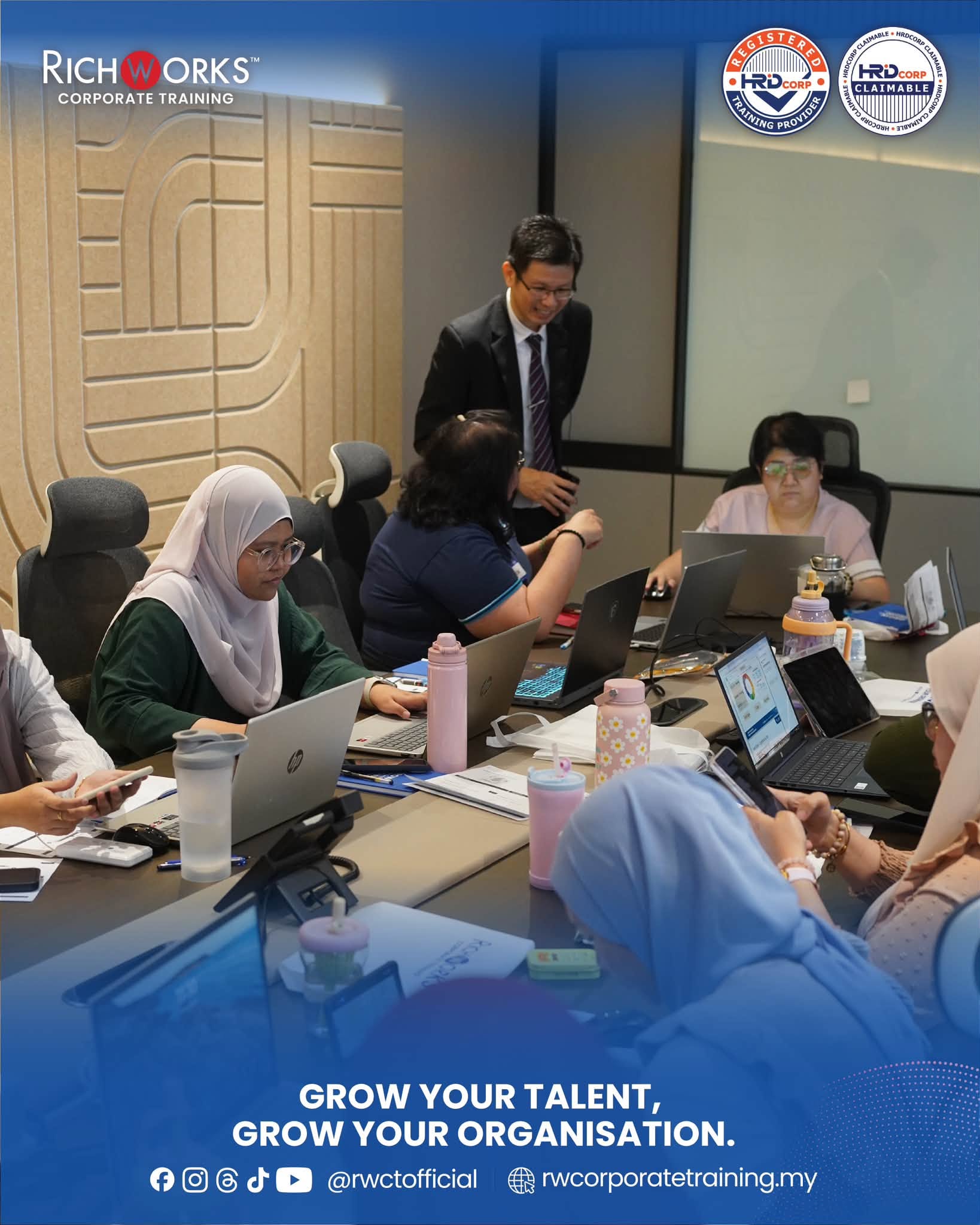
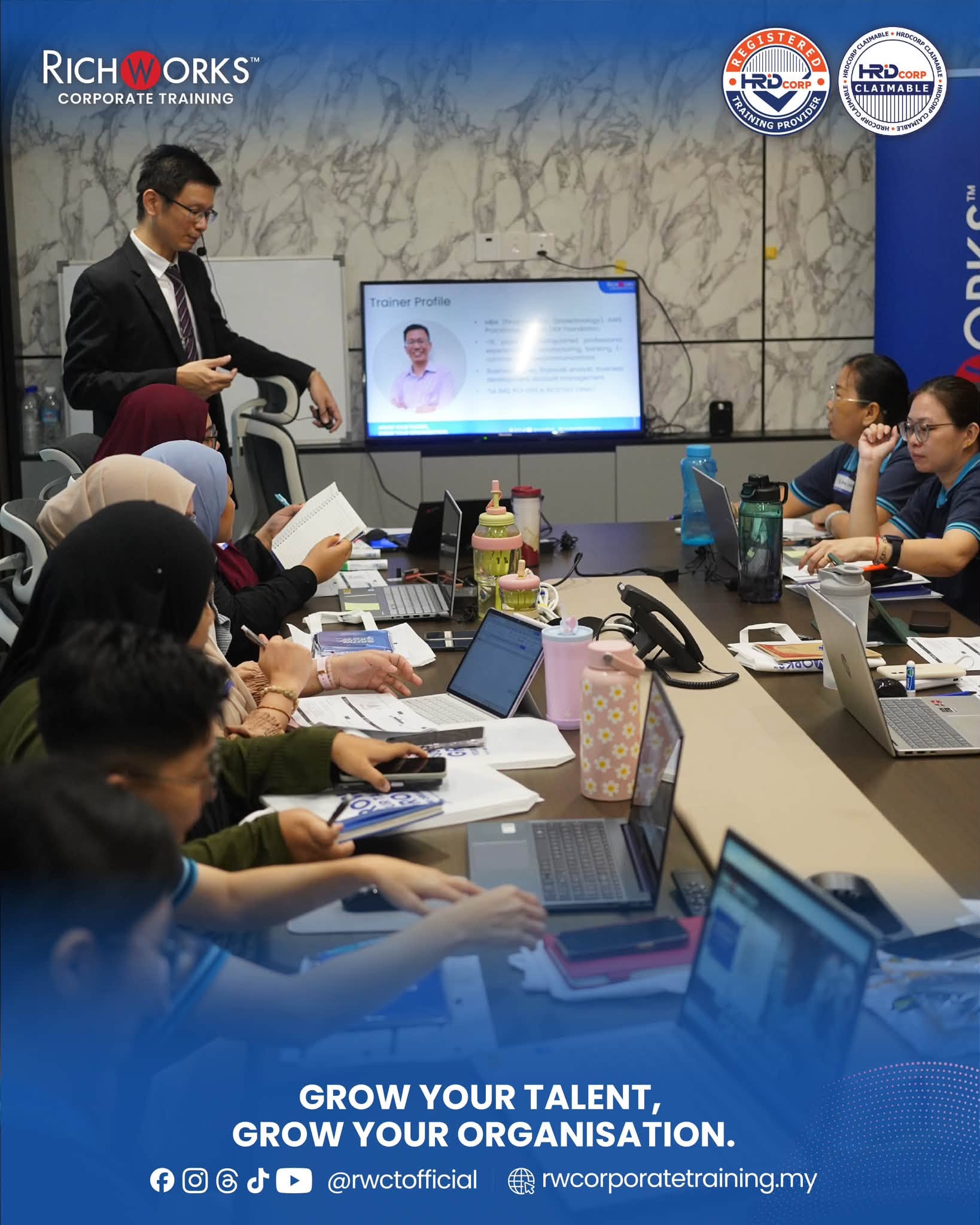
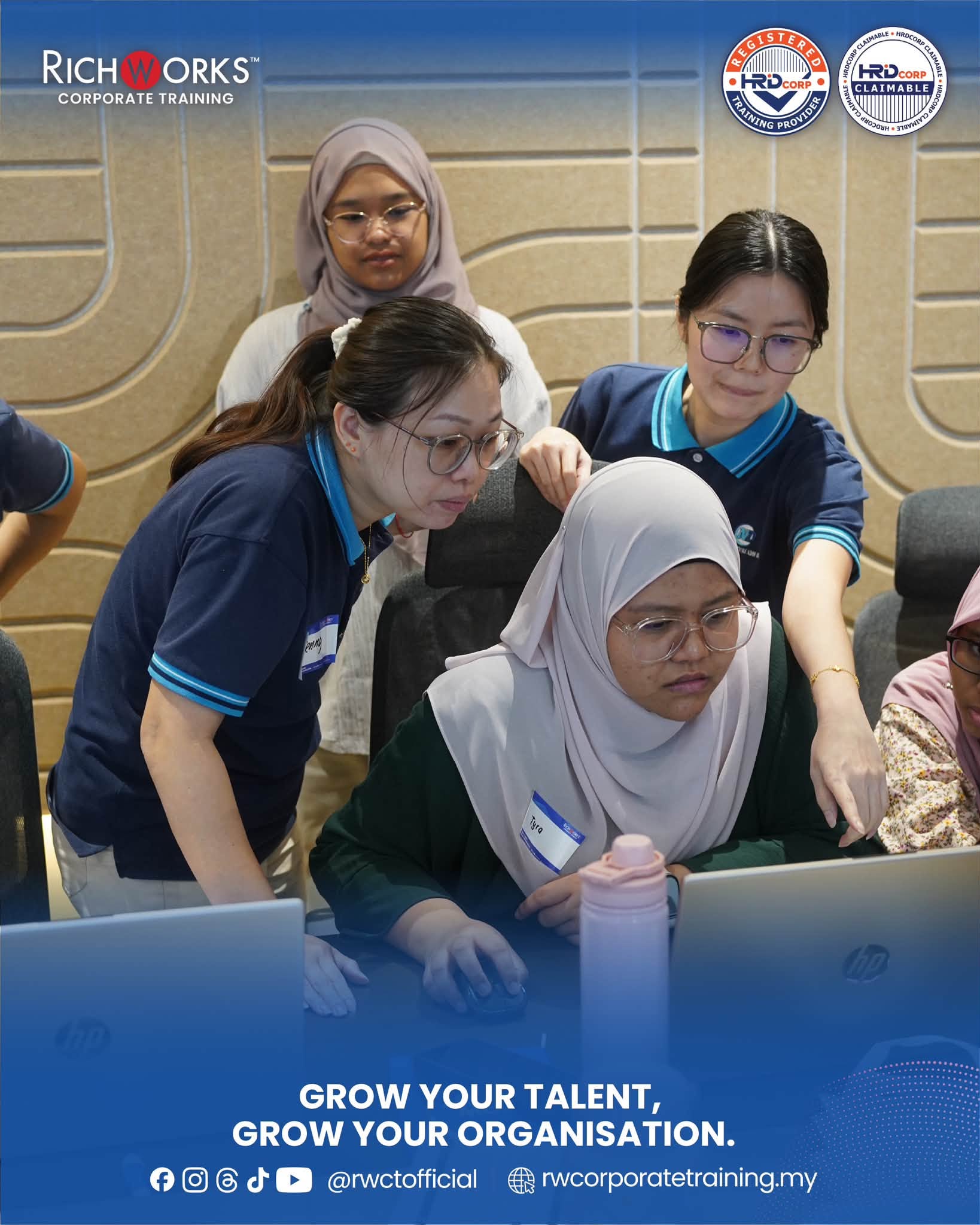
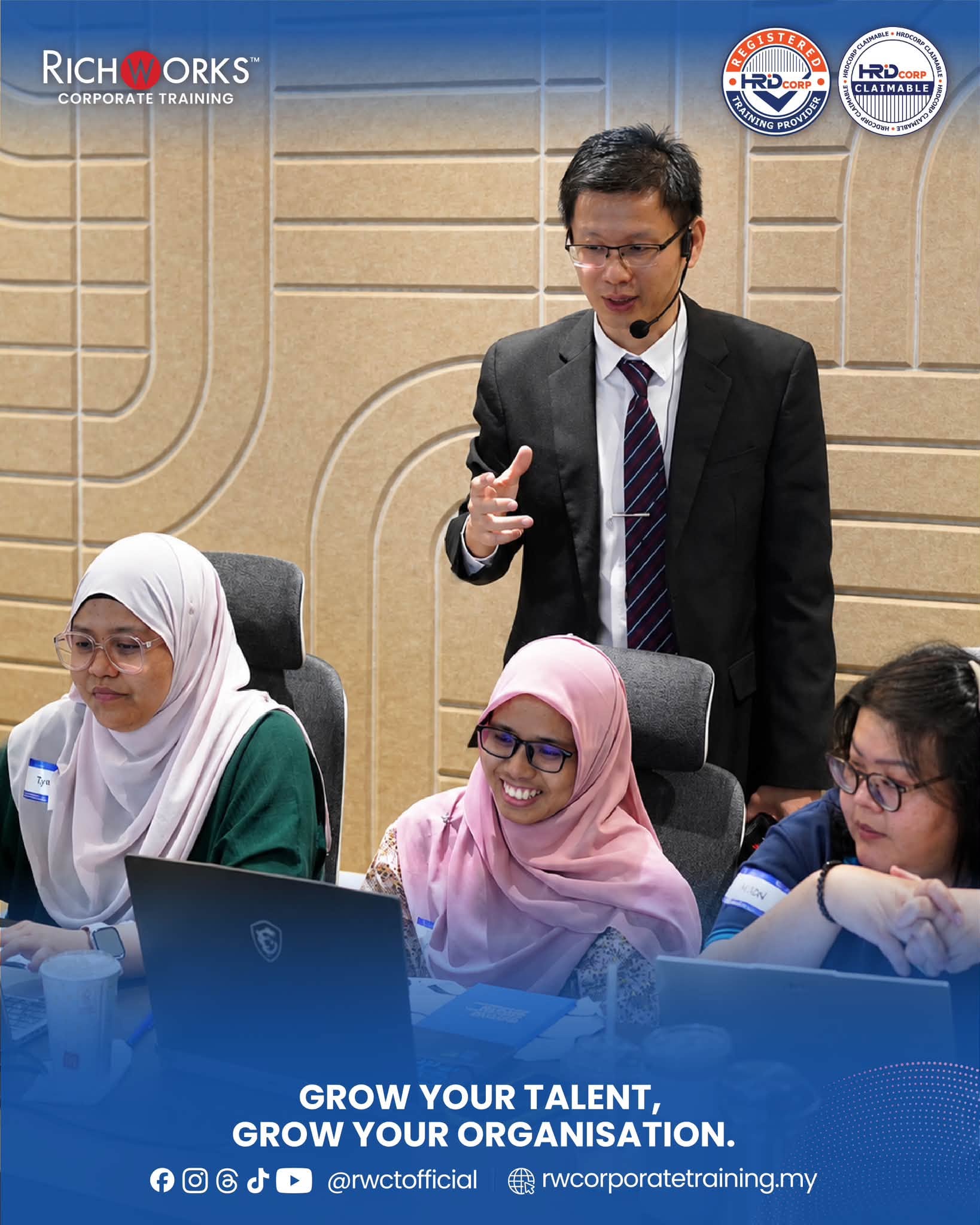
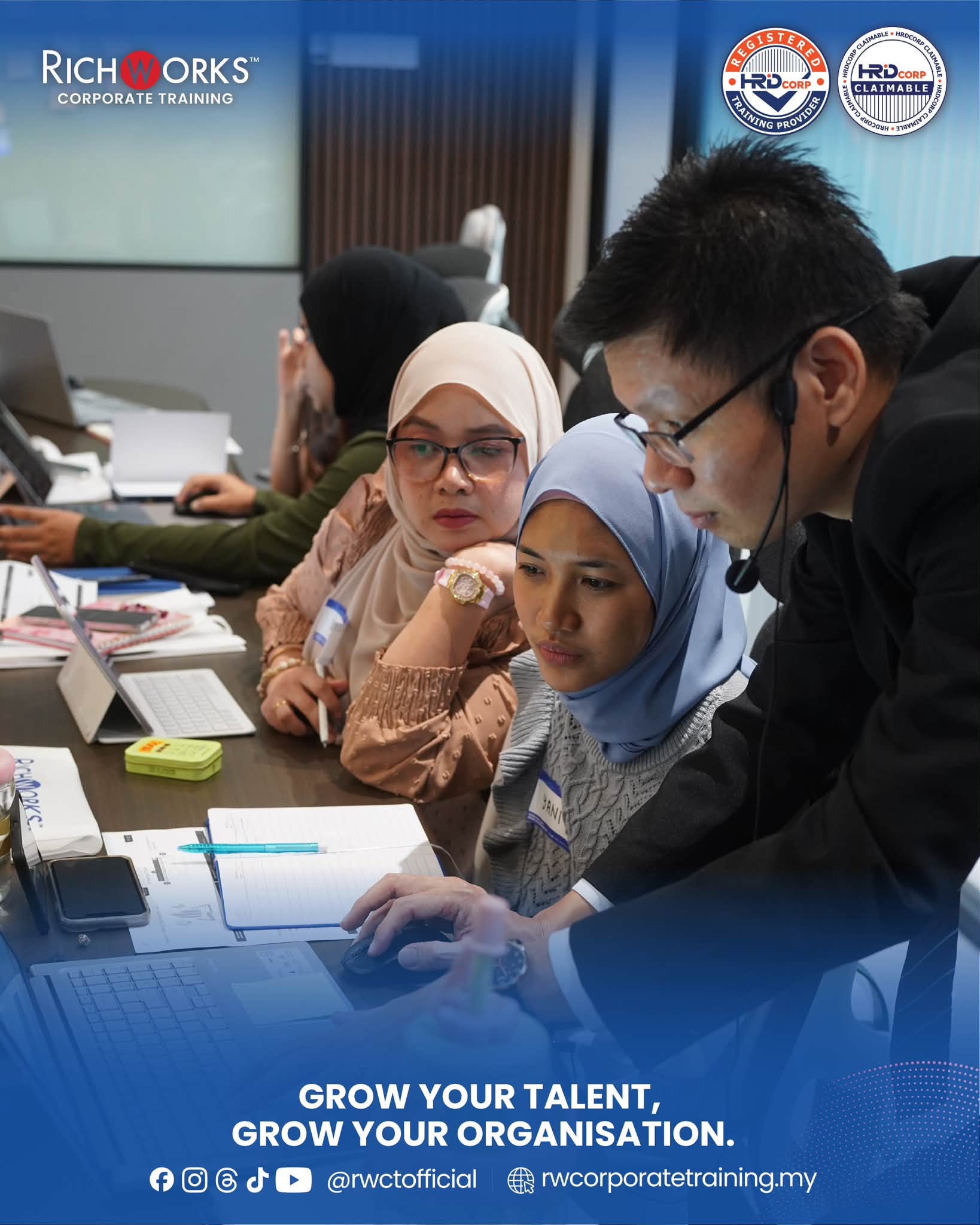
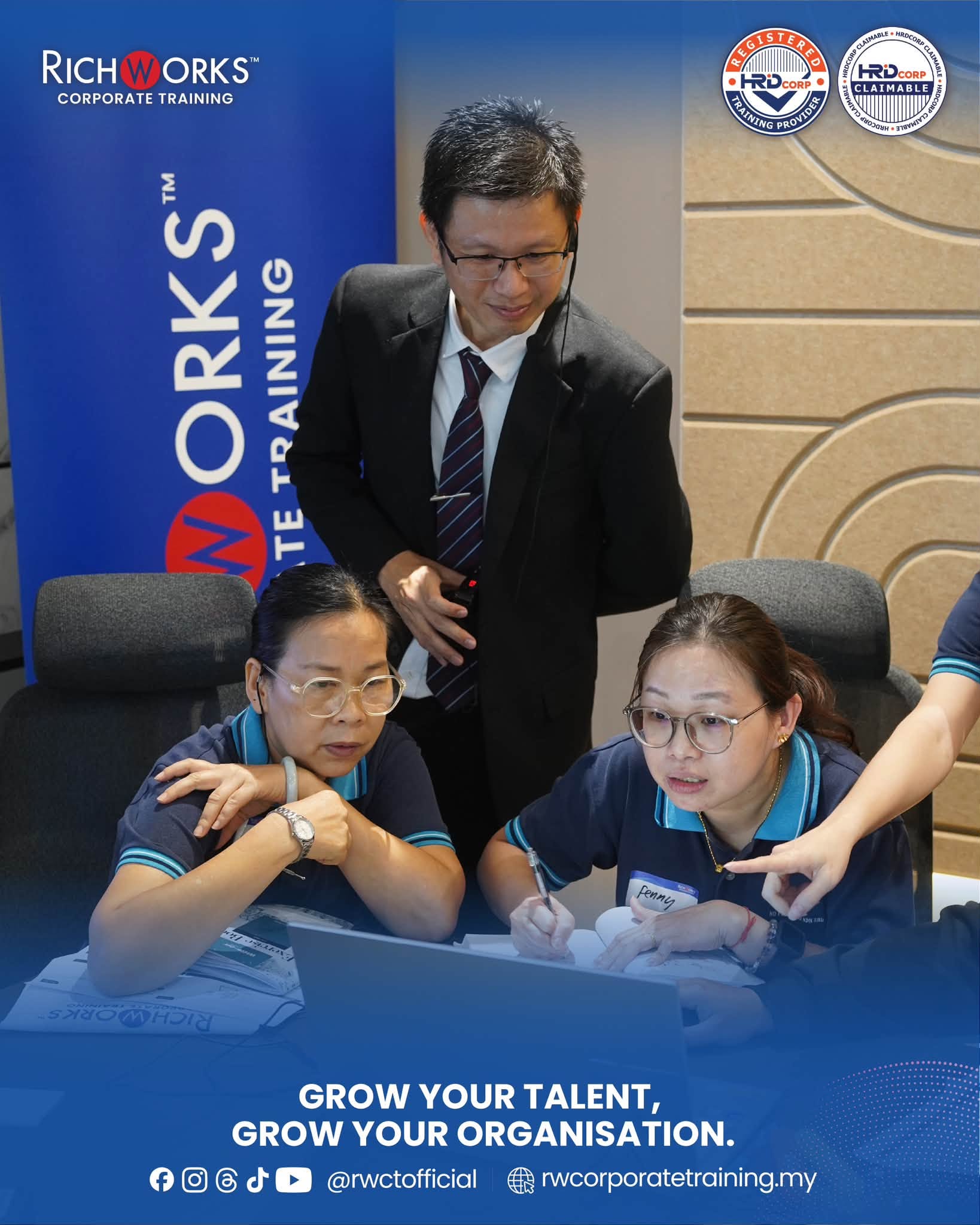
The atmosphere at the N.D Furniture office was supportive, highly focused, and interactive. Bringing together administrative staff, clerical officers, support personnel, and operational executives, the session transformed the company’s workspace into a hands-on digital learning lab.
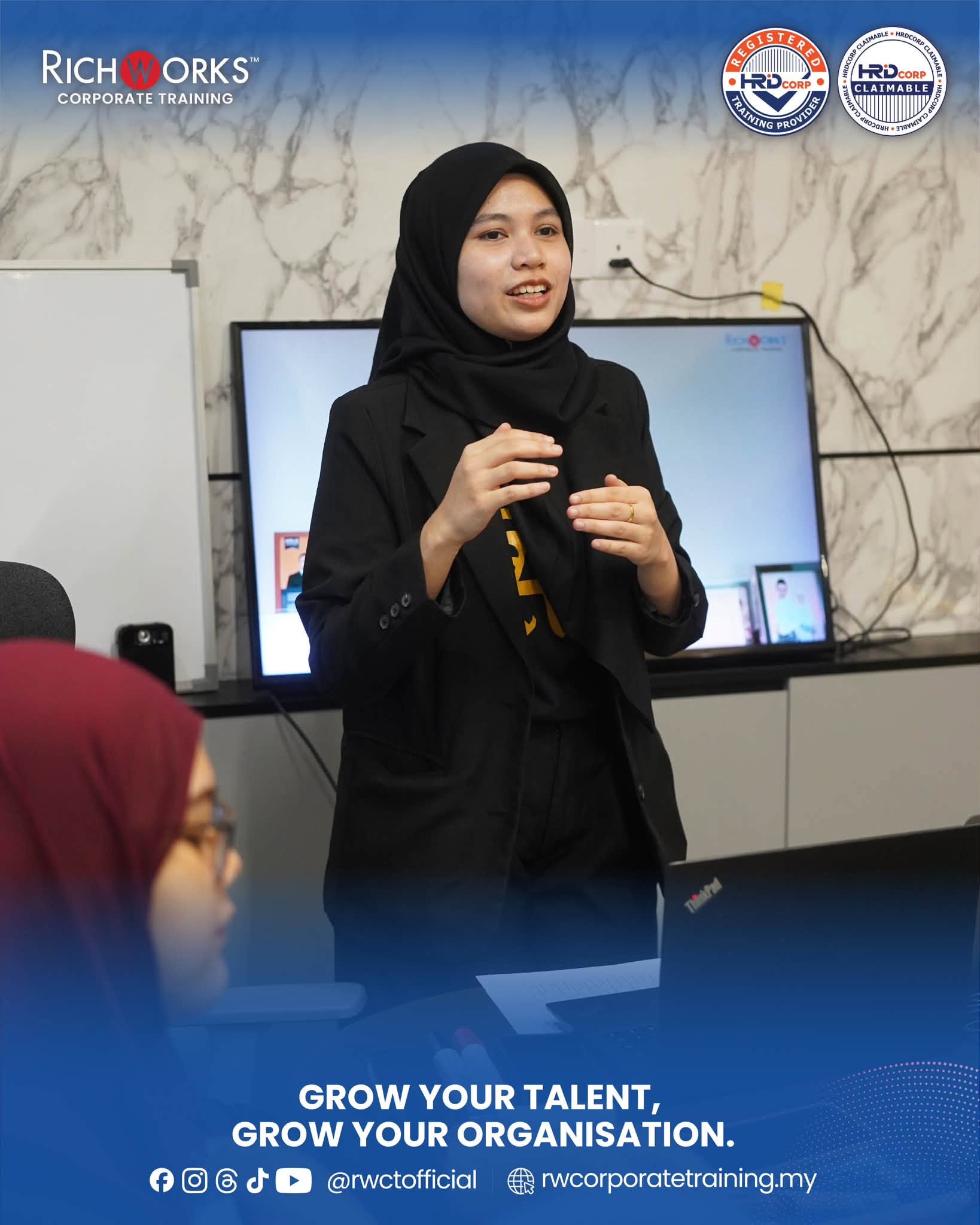
Mr. Khor opened the morning modules with Getting Started with Excel & Basic Data Handling, walking participants through the fundamentals of cell navigation, formatting, and data entry techniques. The room quickly gained momentum during practical exercises, where attendees practiced setting up clean spreadsheets, freezing panes for multi-page lists, and configuring print layouts for internal reporting.
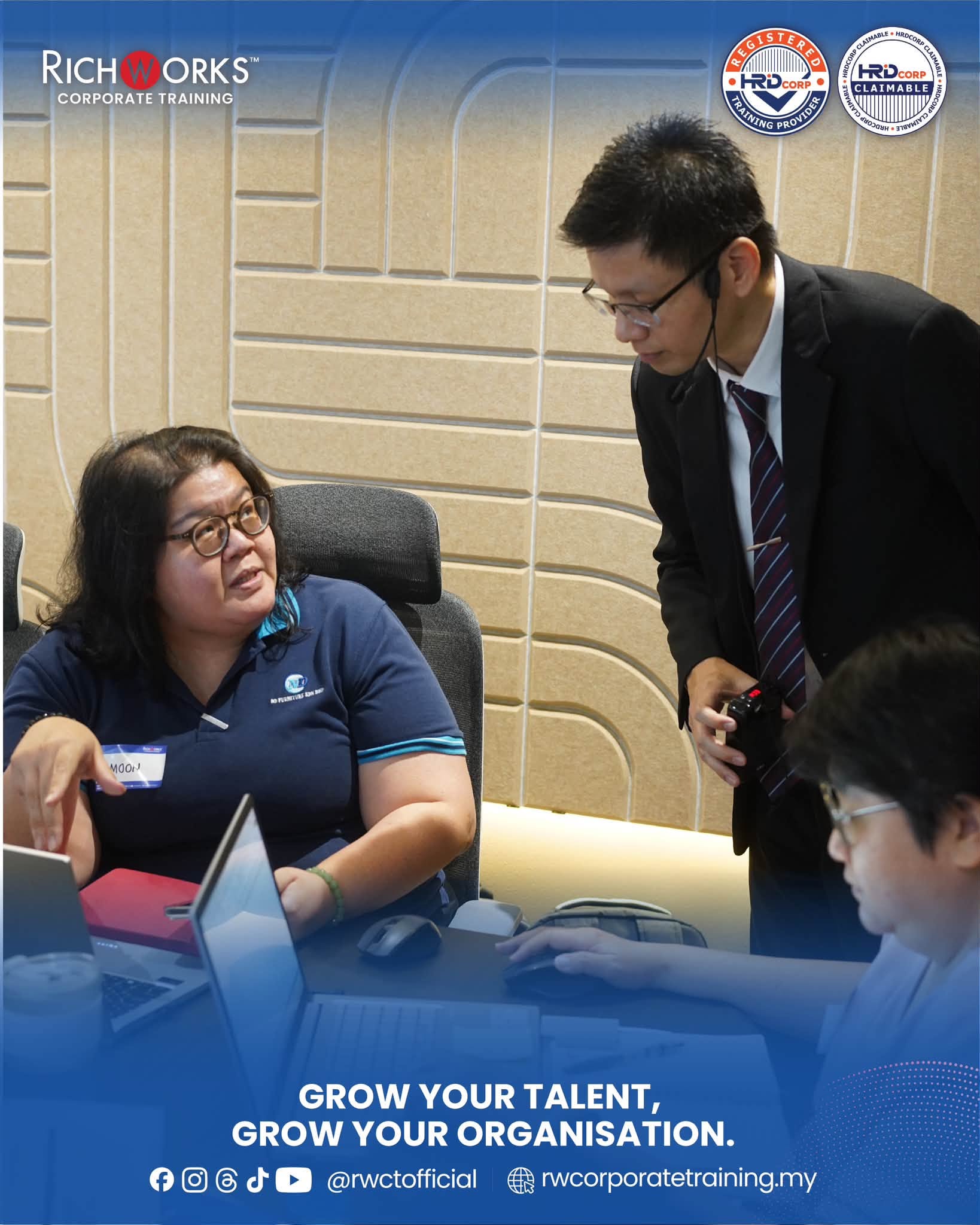
The afternoon session escalated into practical calculations during Essential Formulas, Functions & Data Visualization. Under Mr. Khor’s step-by-step, attentive coaching, participants built their very first dynamic formulas mastering SUM and AVERAGE functions before advancing to basic logical IF conditions. The workshop wrapped up with an engaging chart creation activity, where the N.D Furniture team converted raw numbers into easy-to-read visual reports. The day ended with an empowering recap of time-saving shortcuts, leaving the entire team thoroughly confident, proficient, and eager to apply their new Excel skills in their daily routines.
Why Organisations Choose Richworks Corporate Training
Richworks Corporate Training delivers HRD Corp claimable programmes that focus on practical learning, regulatory clarity, and measurable workplace impact. Our training is designed to support organisations in developing competent, confident, and compliant teams guided by experienced facilitators with real industry exposure.