Mastering Google Workspace With Gemini For Work Productivity (In-House)
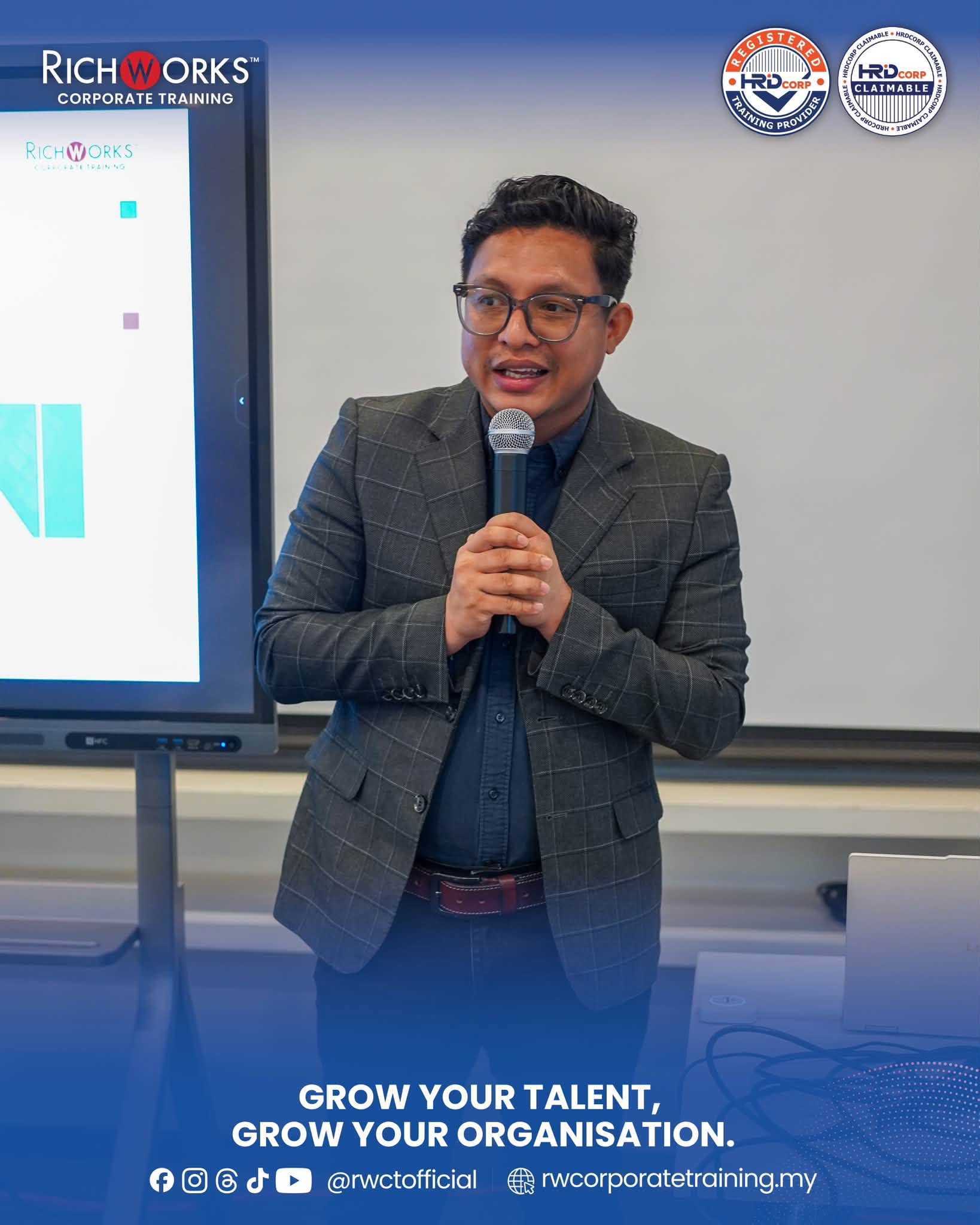
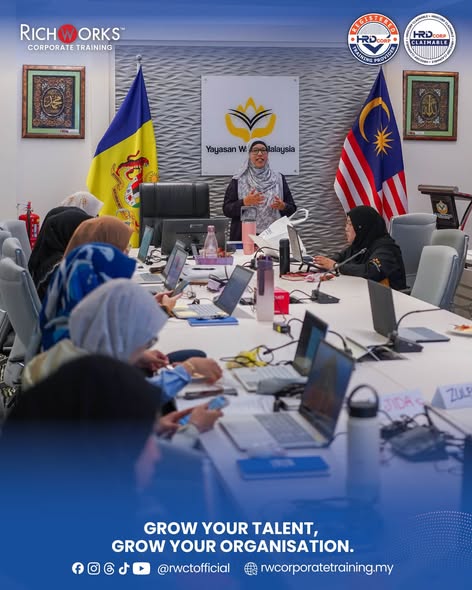
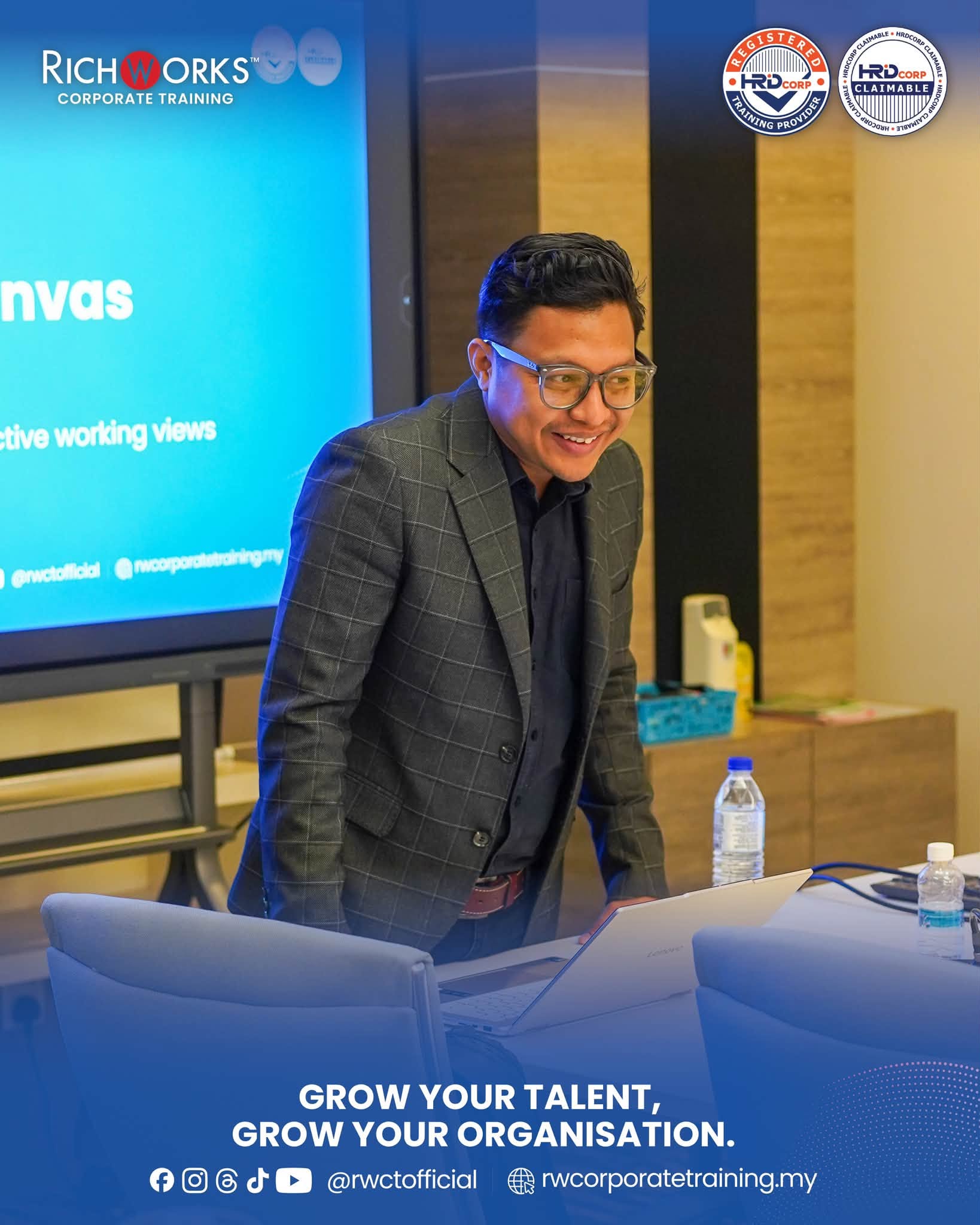
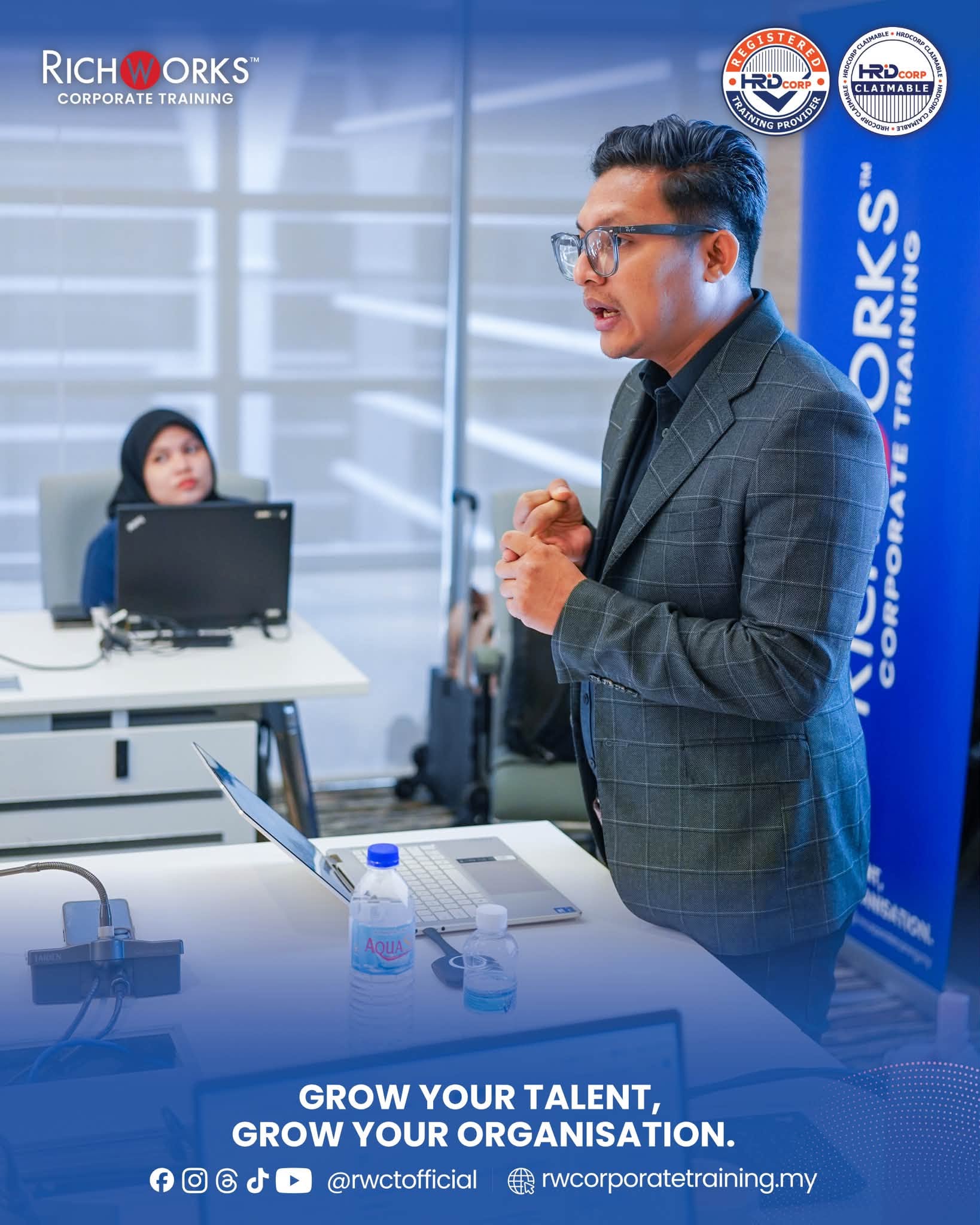
Empowering Yayasan Waqaf Malaysia in Putrajaya with Mr Amir Khairi to integrate Google Workspace and Gemini into smarter workflows for communication, reporting, collaboration, and everyday productivity.
9 – 10 December 2025
Program Overview
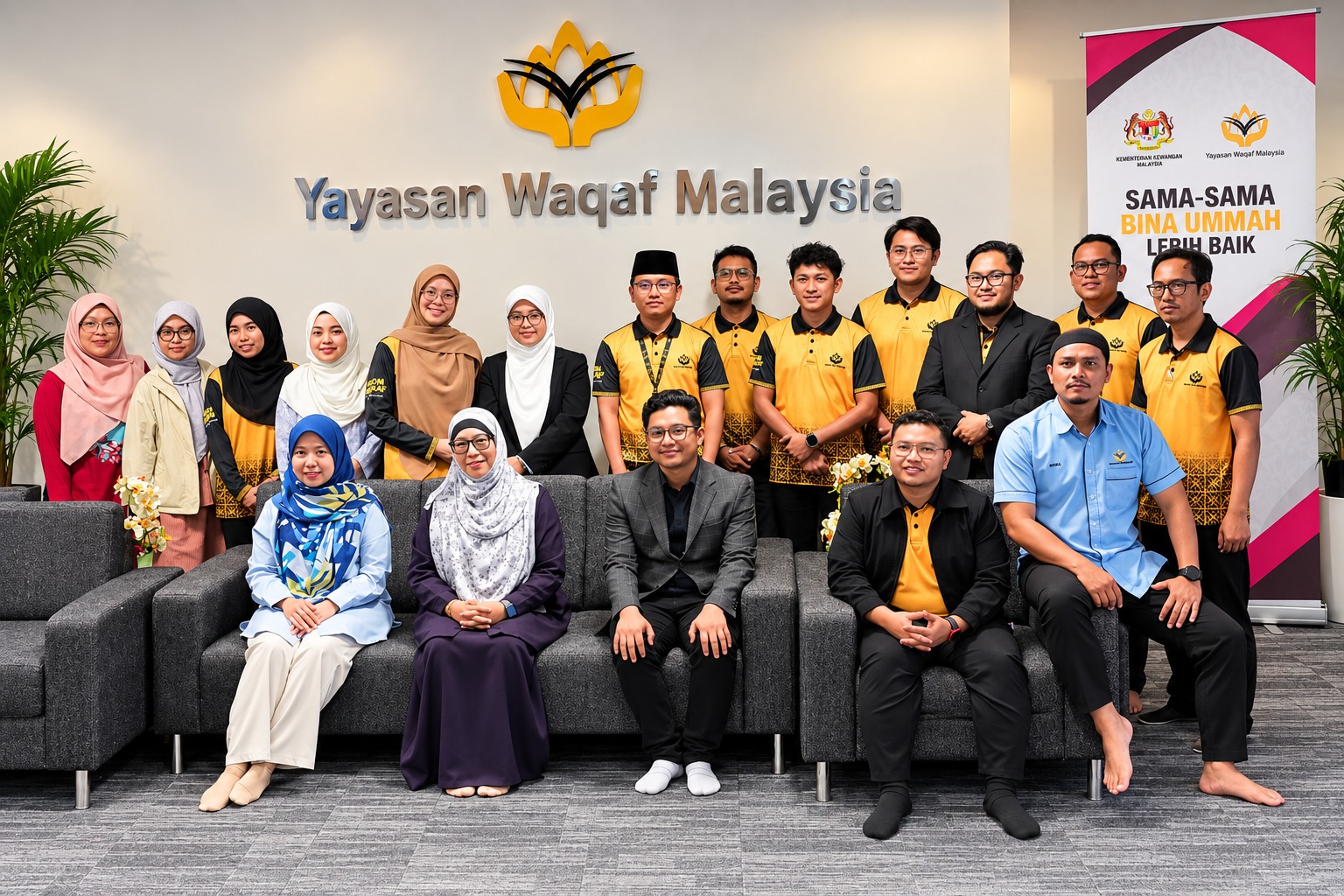
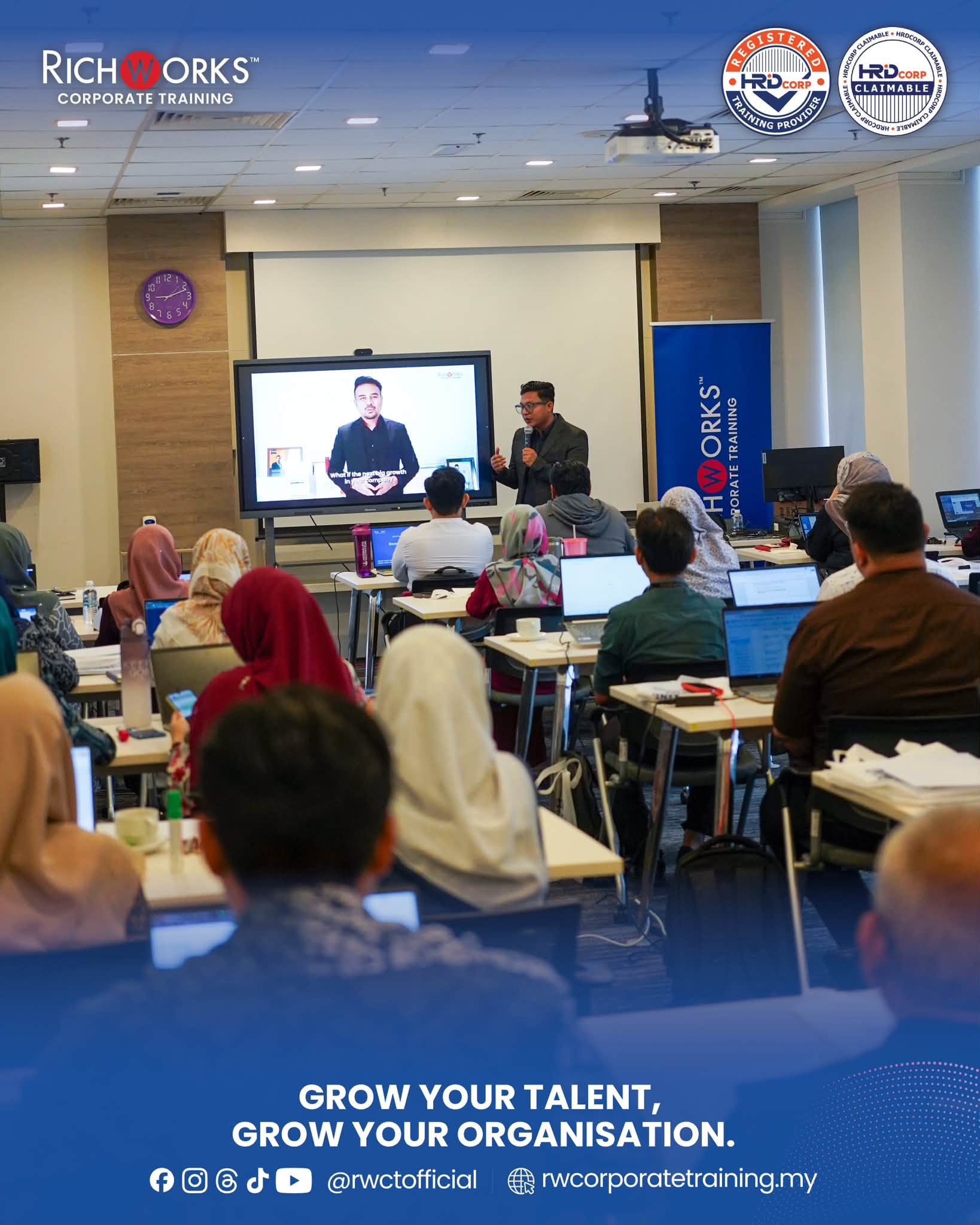
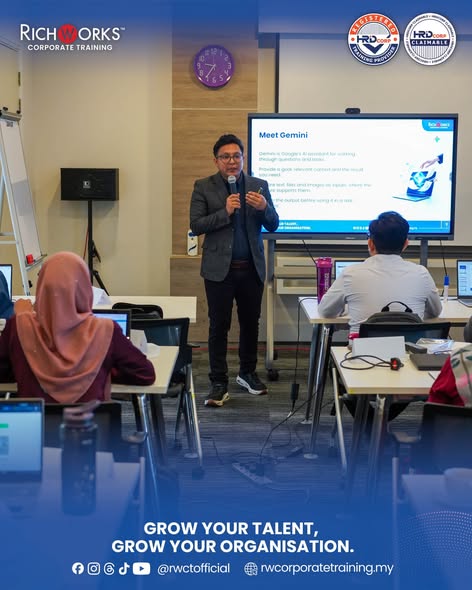
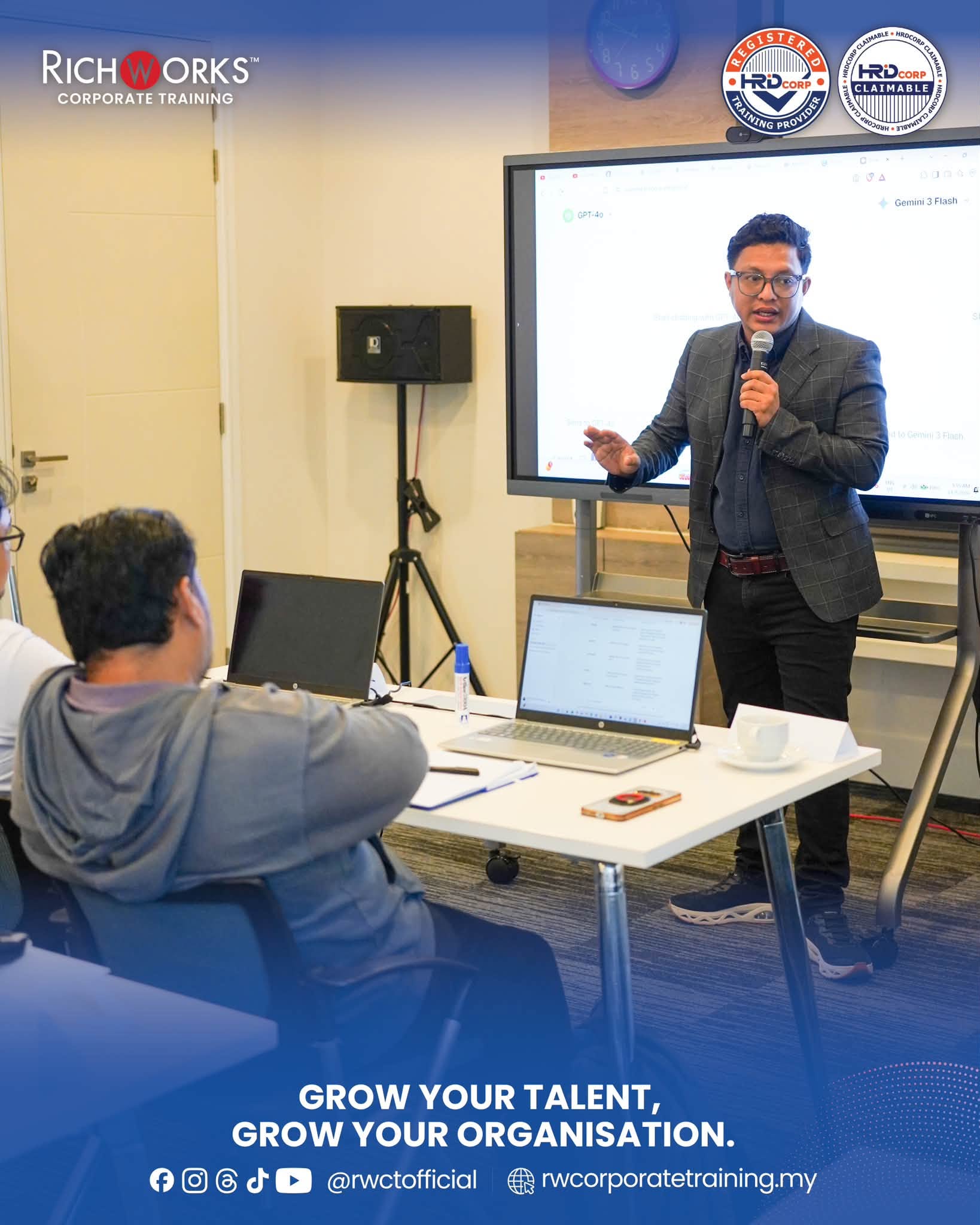
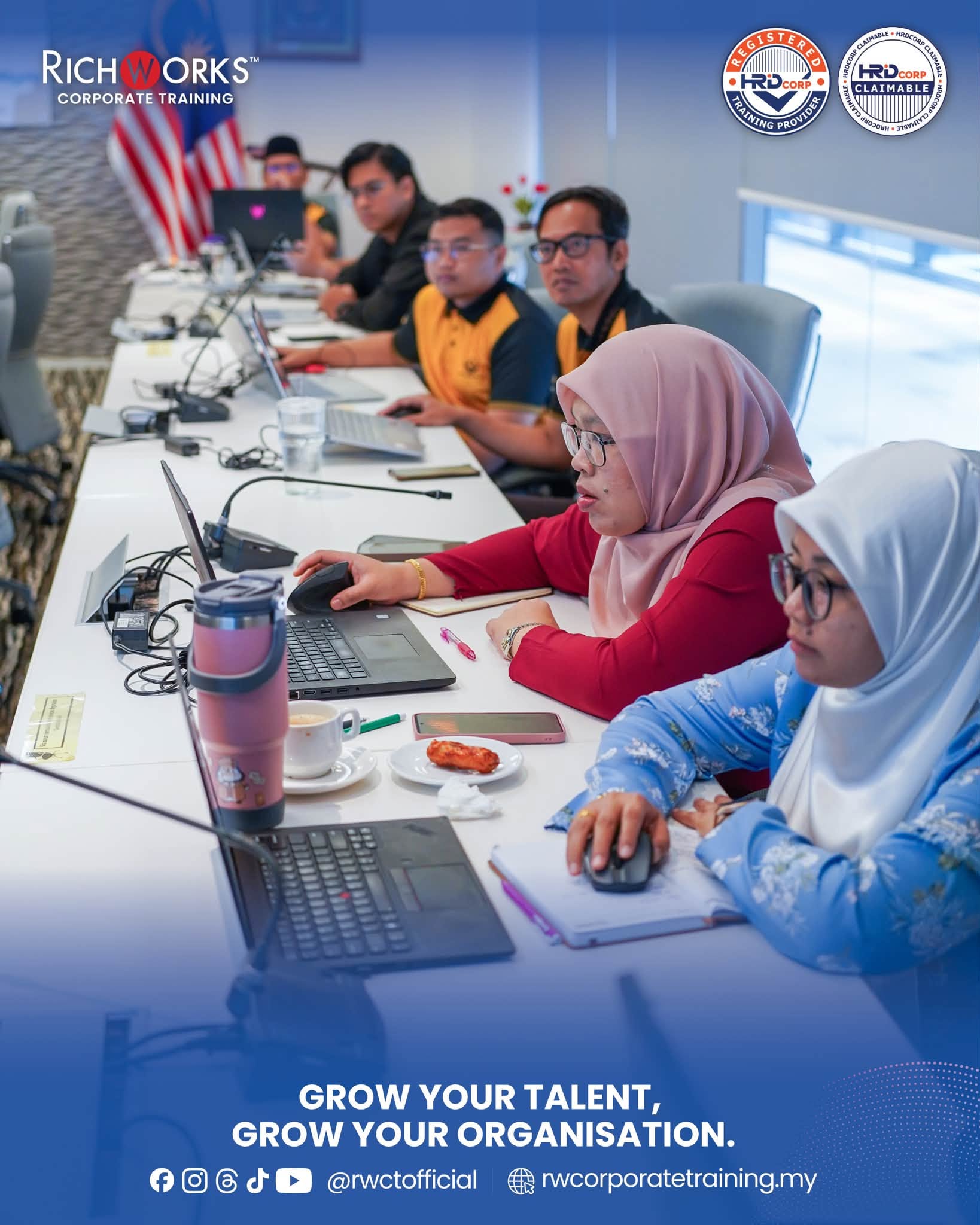
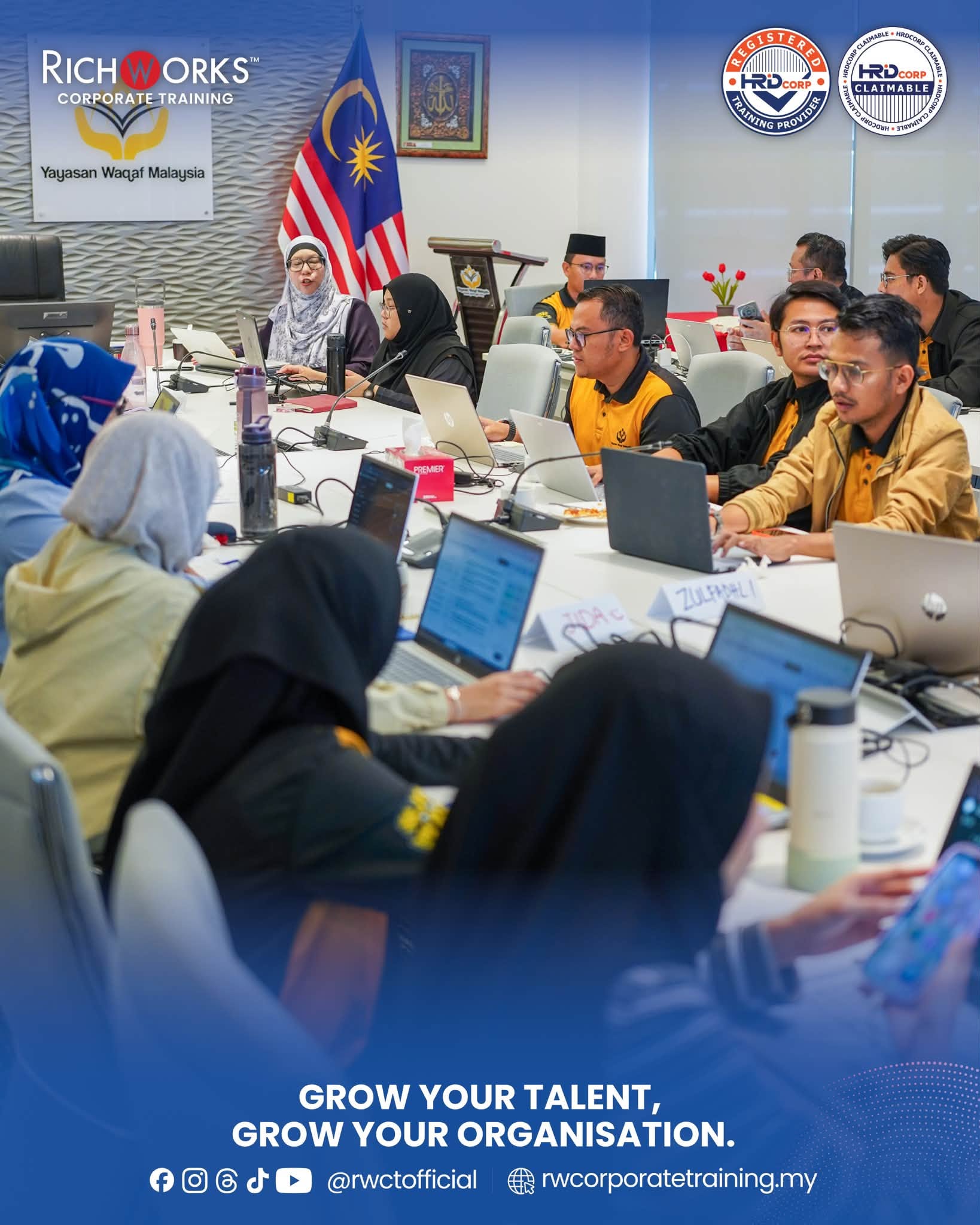
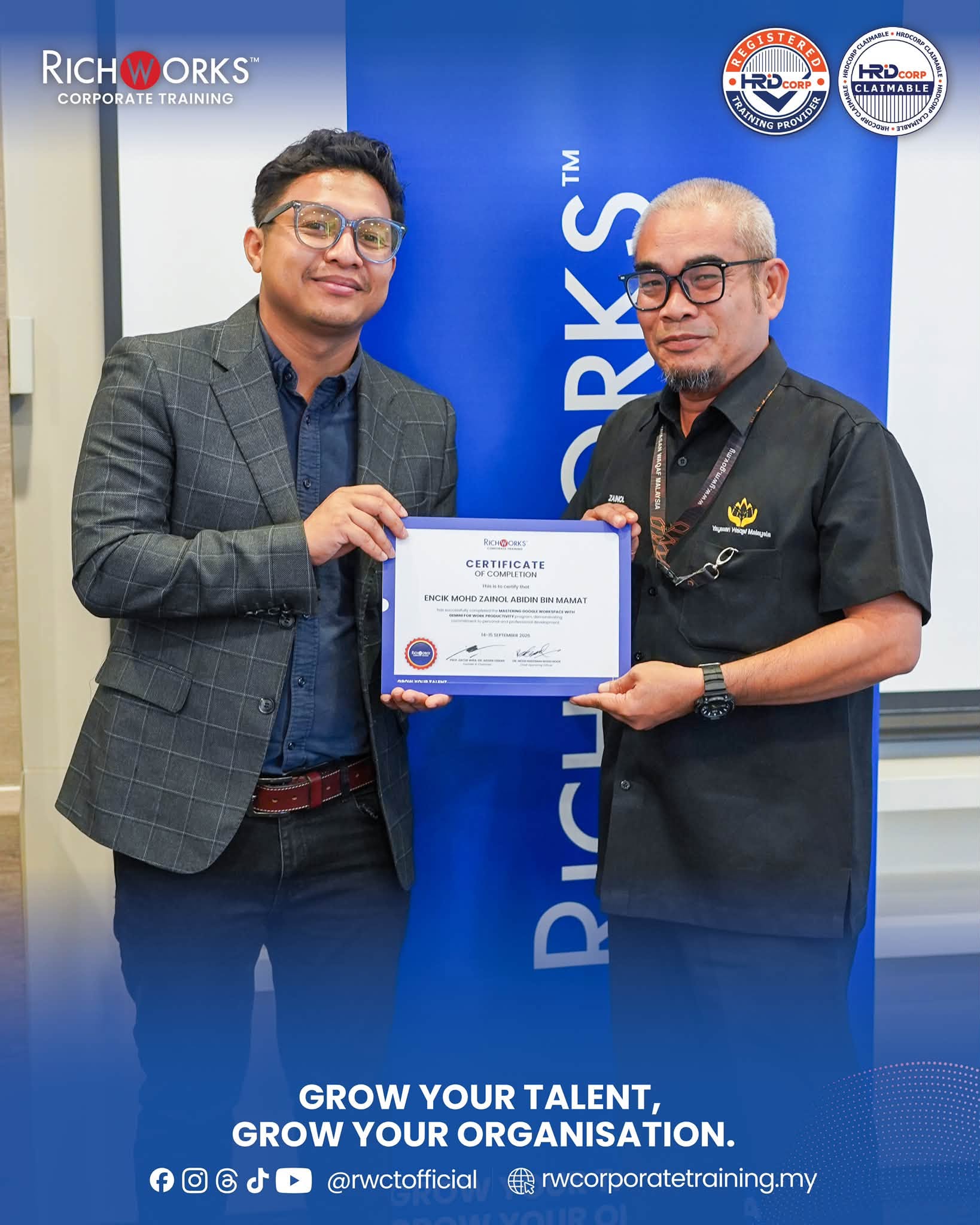
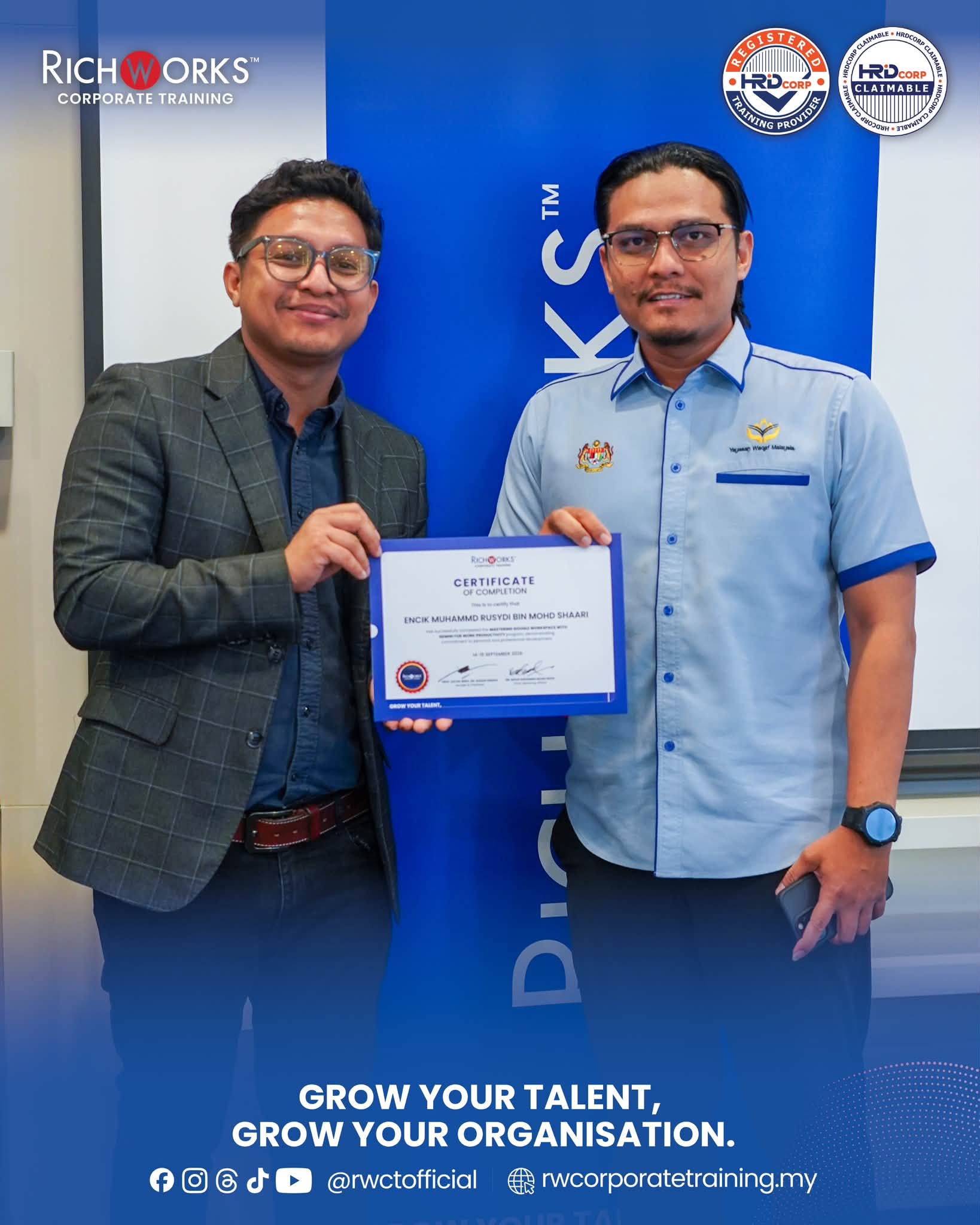
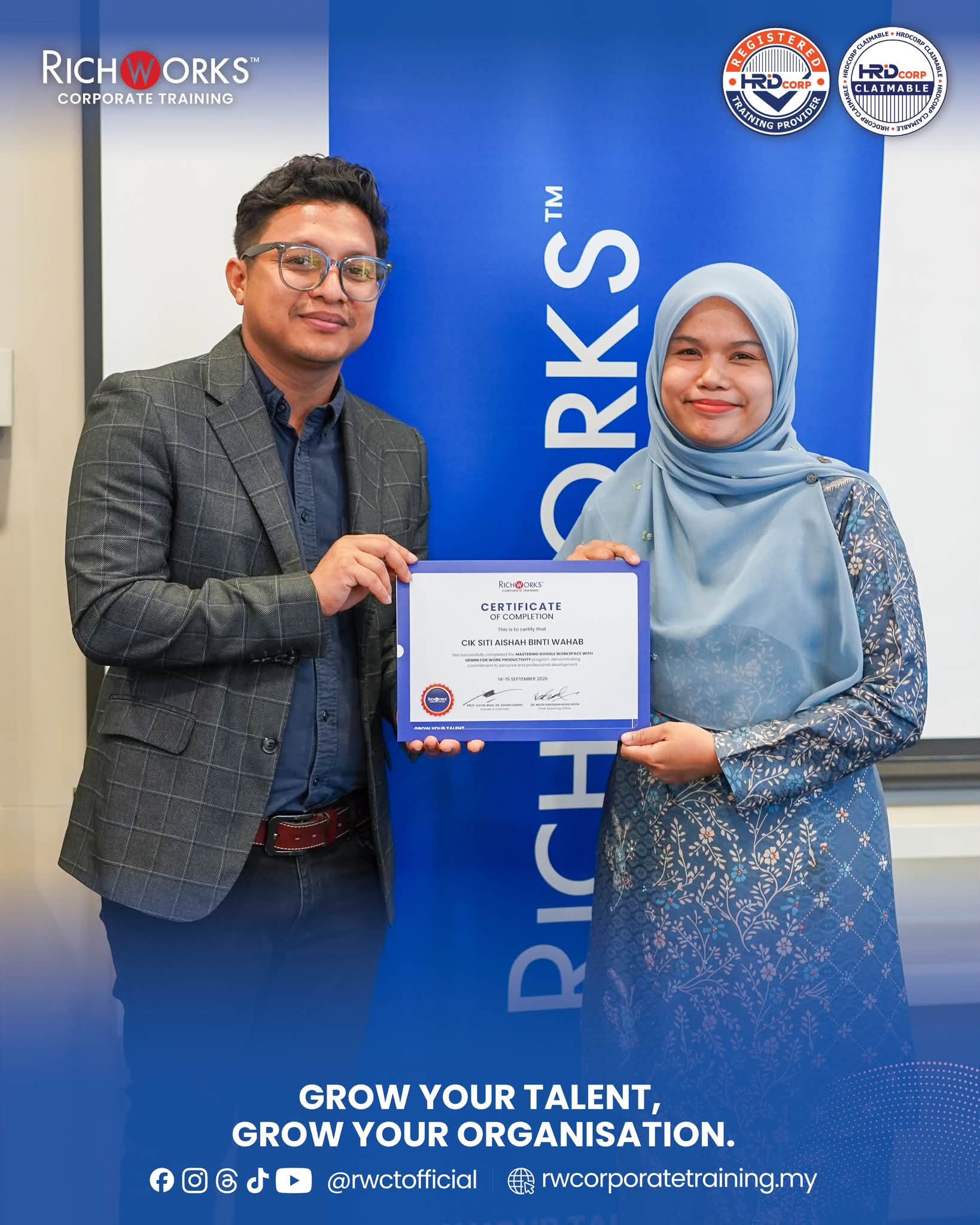
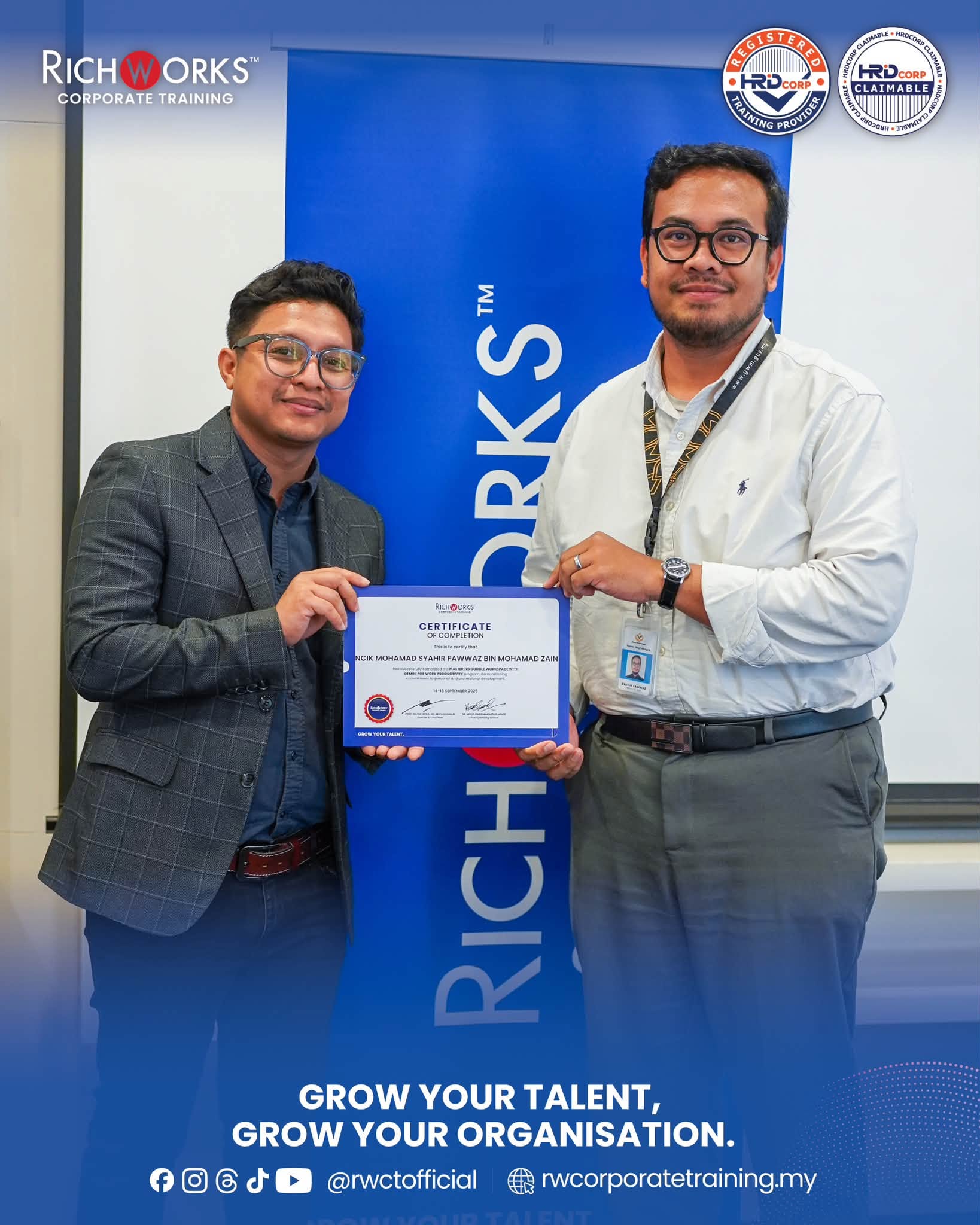
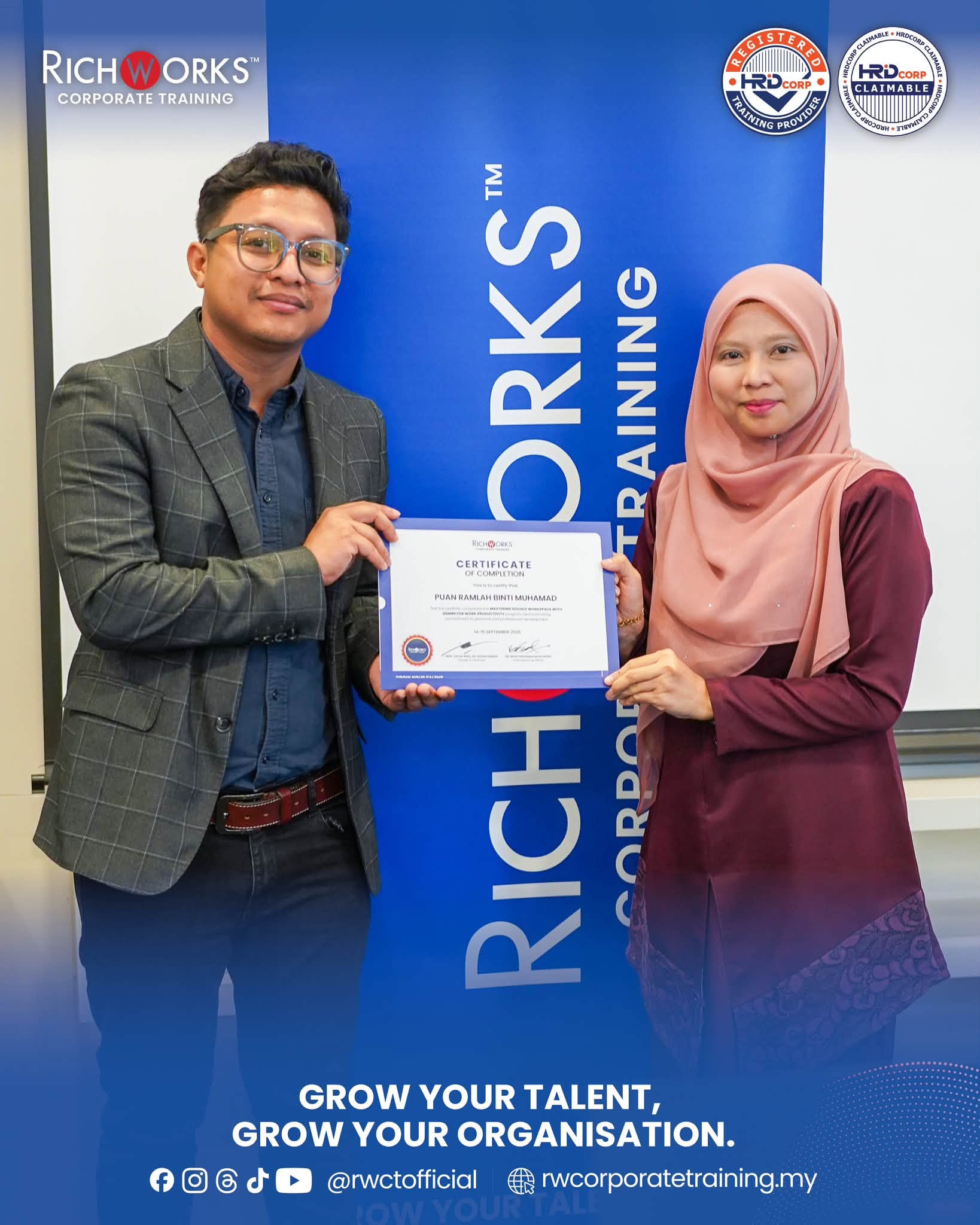
The Mastering Google Workspace with Gemini for Work Productivity programme was conducted on 14–15 September 2026 as an intensive 2-day in-house corporate training programme for Yayasan Waqaf Malaysia at its office in Putrajaya. Facilitated by Mr Amir Khairi, the programme was designed as a hands-on, workplace-focused learning experience to help participants improve everyday productivity by combining Google Workspace tools with Gemini assistance.
Rather than approaching AI as a standalone tool, the programme focused on integrating Gemini into actual workplace workflows across Gmail, Calendar, Meet, Drive, Docs, Sheets, Slides, and Forms. Participants explored how effective prompting, structured file management, document creation, spreadsheet reporting, presentation development, and collaboration practices can work together as one connected productivity system.
A key emphasis of the programme was moving participants from simply experimenting with AI towards producing structured, professional and reusable workplace outputs. Across the two days, participants progressed from strengthening their Google Workspace foundations to building an end-to-end workflow that could transform an initial input into documents, reports, spreadsheets, presentations, and follow-up actions.
Key Learning Outcomes
- Apply effective Gemini prompting techniques - structuring prompts around role, context, constraints, and required output formats to generate more useful workplace outputs.
- Build more organised Google Workspace workflows - applying consistent Drive structures, naming conventions, file permissions, and collaboration practices across individual and shared work.
- Improve daily email and meeting productivity — using Gmail, Calendar, Meet, and Gemini assistance to draft professional emails, summarise conversations, prepare agendas, organise meeting notes, identify action items, and prepare follow-ups.
- Produce structured workplace documents faster — developing reports, SOPs, proposals, memos, minutes, and other professional documents in Google Docs with Gemini-assisted drafting, rewriting, proofreading, and standardisation.
- Turn spreadsheet data into useful management insights — organising data, working with formulas, identifying patterns and anomalies, developing simple dashboards, and translating findings into management-ready narratives.
- Create clearer business presentations — converting information from Docs and Sheets into structured presentation content with stronger storylines, key takeaways, recommendations, and next steps.
- Improve team collaboration and consistency — using permissions, comments, suggestions, version history, shared templates, and reusable prompt libraries to support more structured collaboration.
- Build an end-to-end productivity workflow — connecting email → document → spreadsheet → presentation into a reusable process for recurring workplace tasks.
Programme Experience
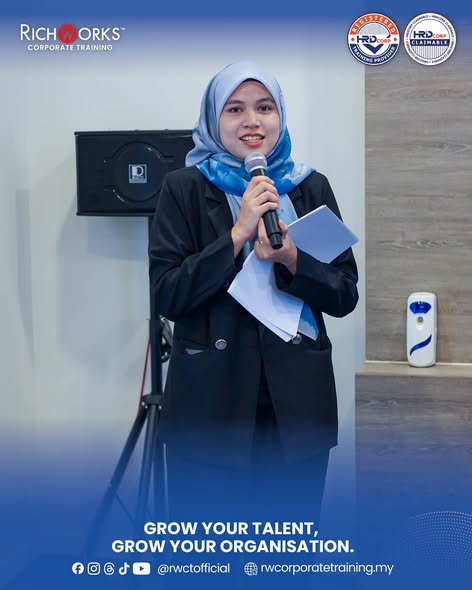
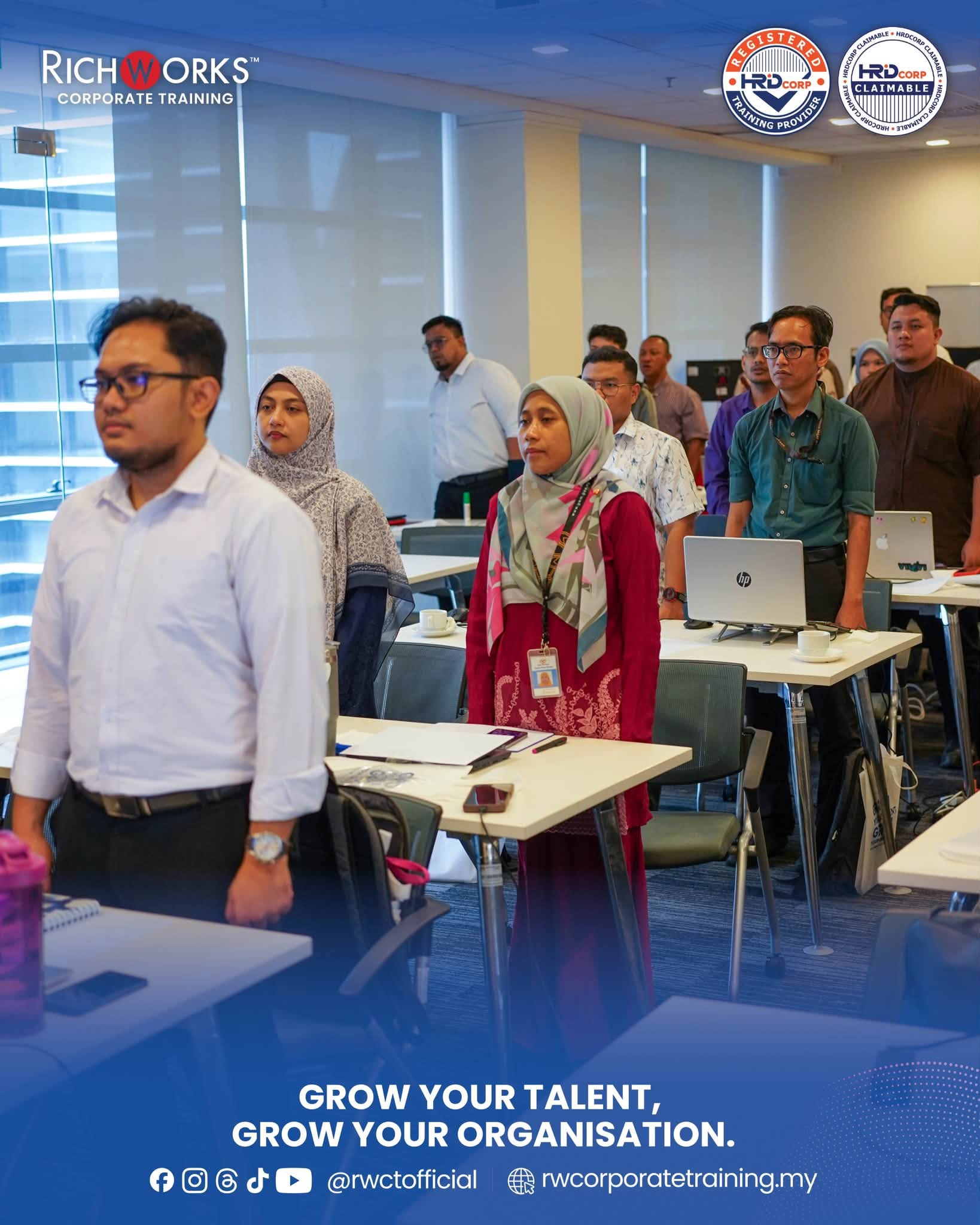
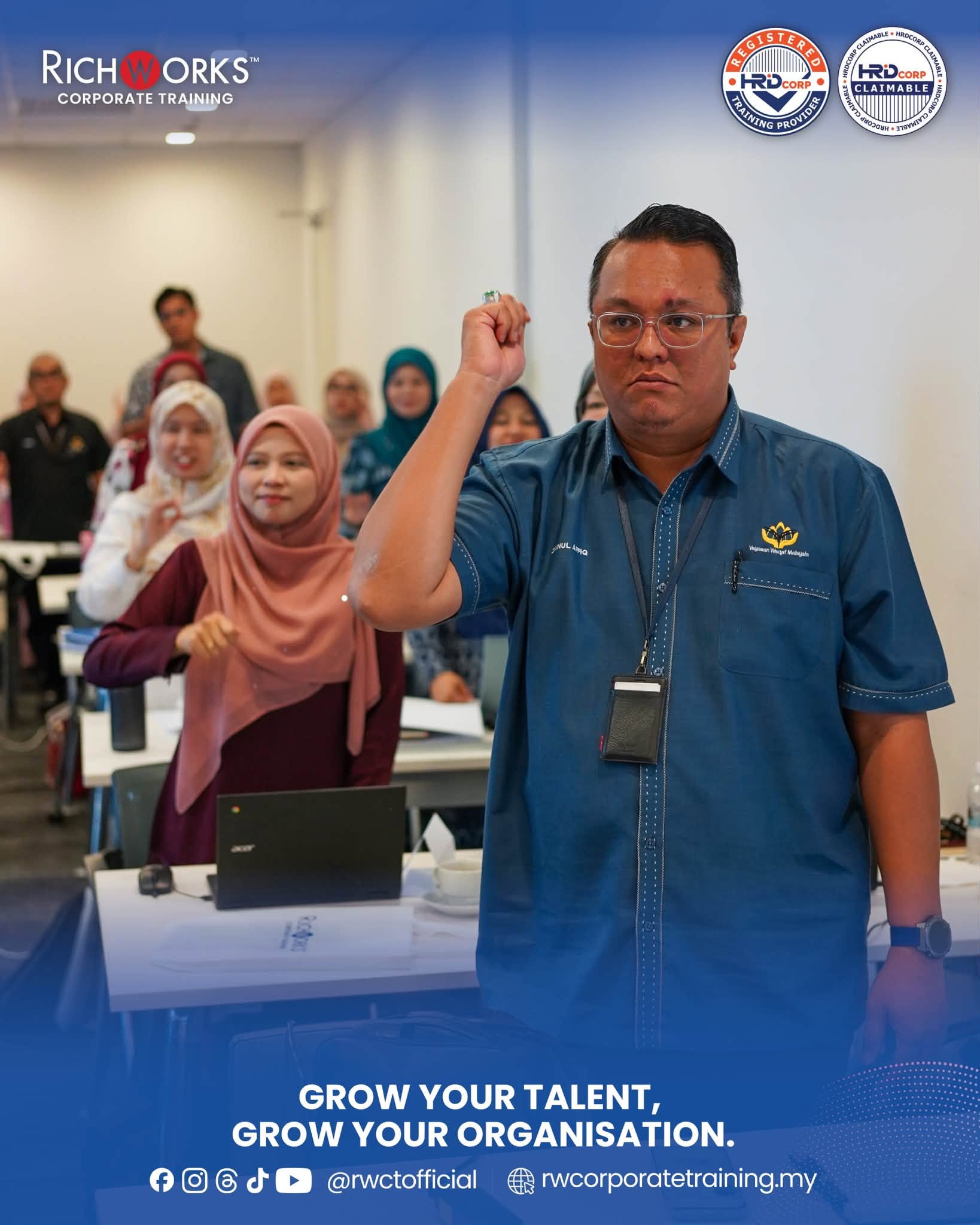
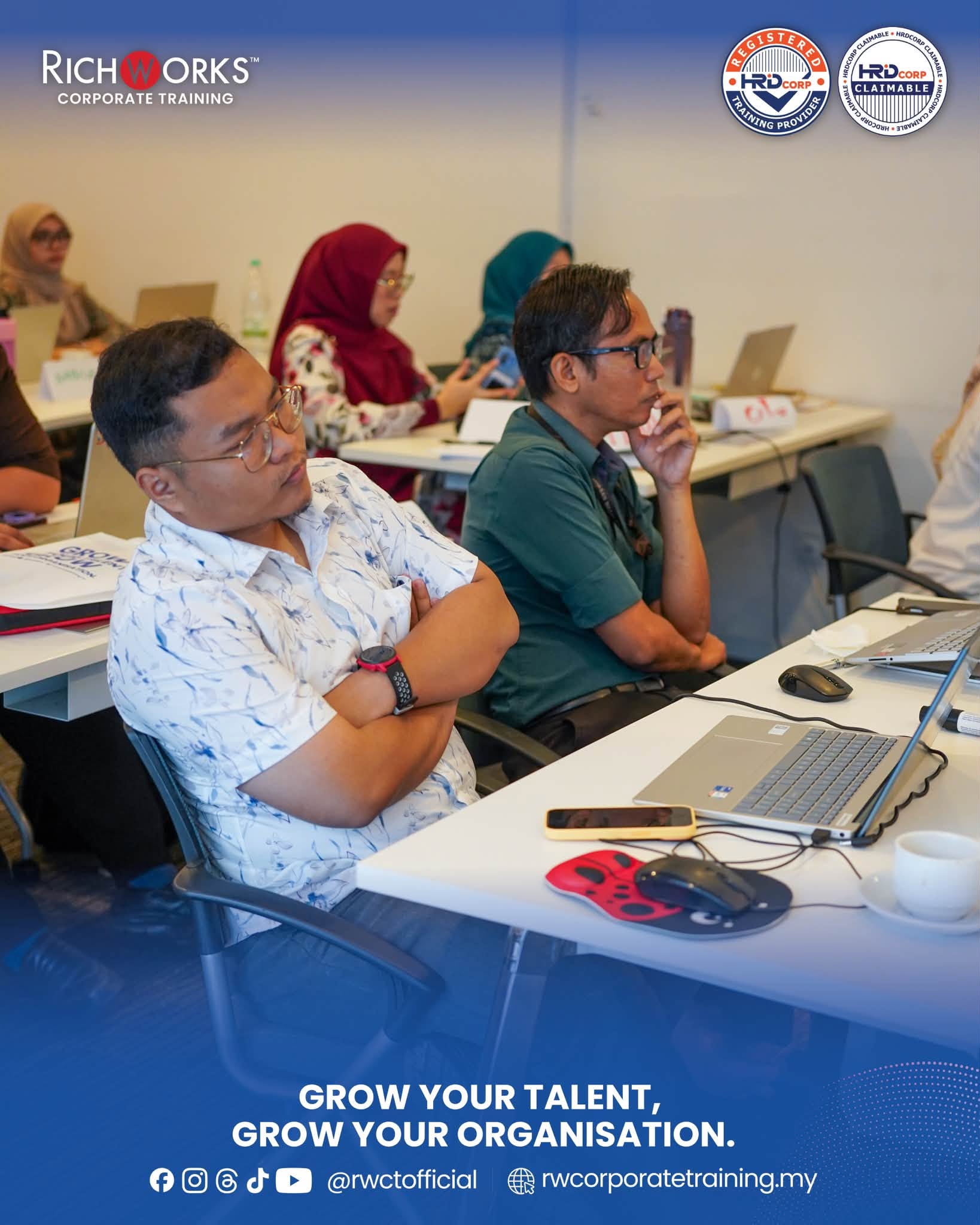
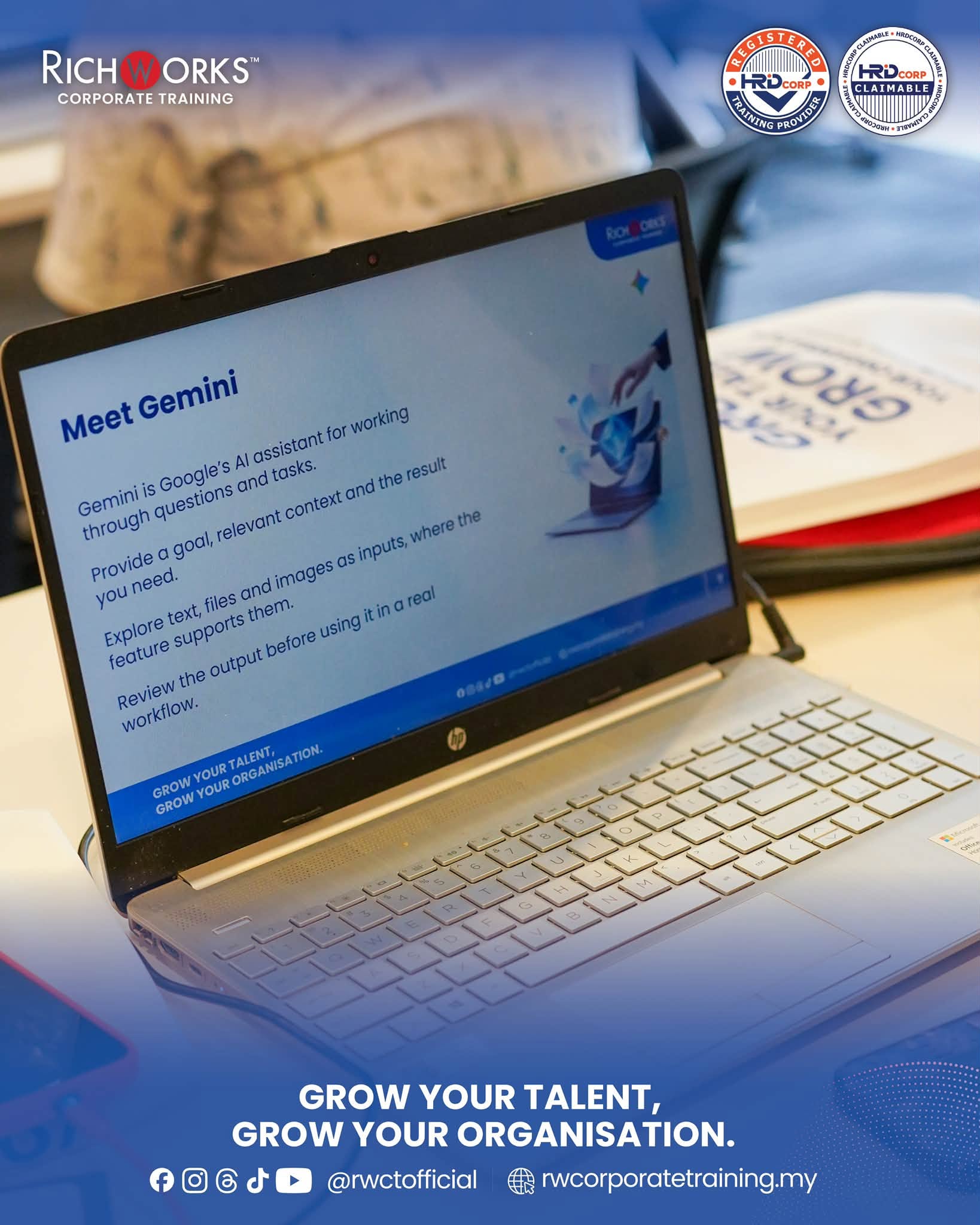
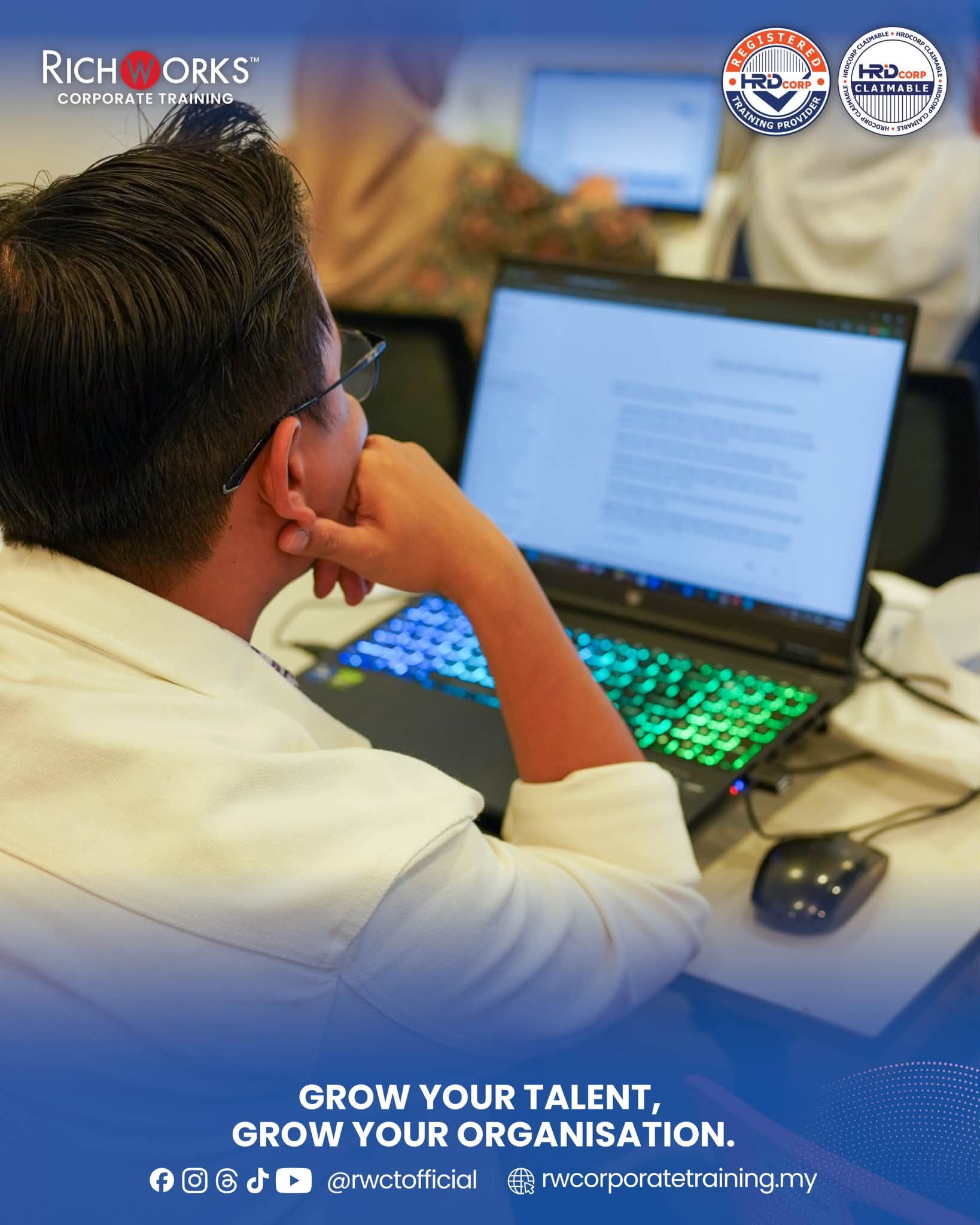
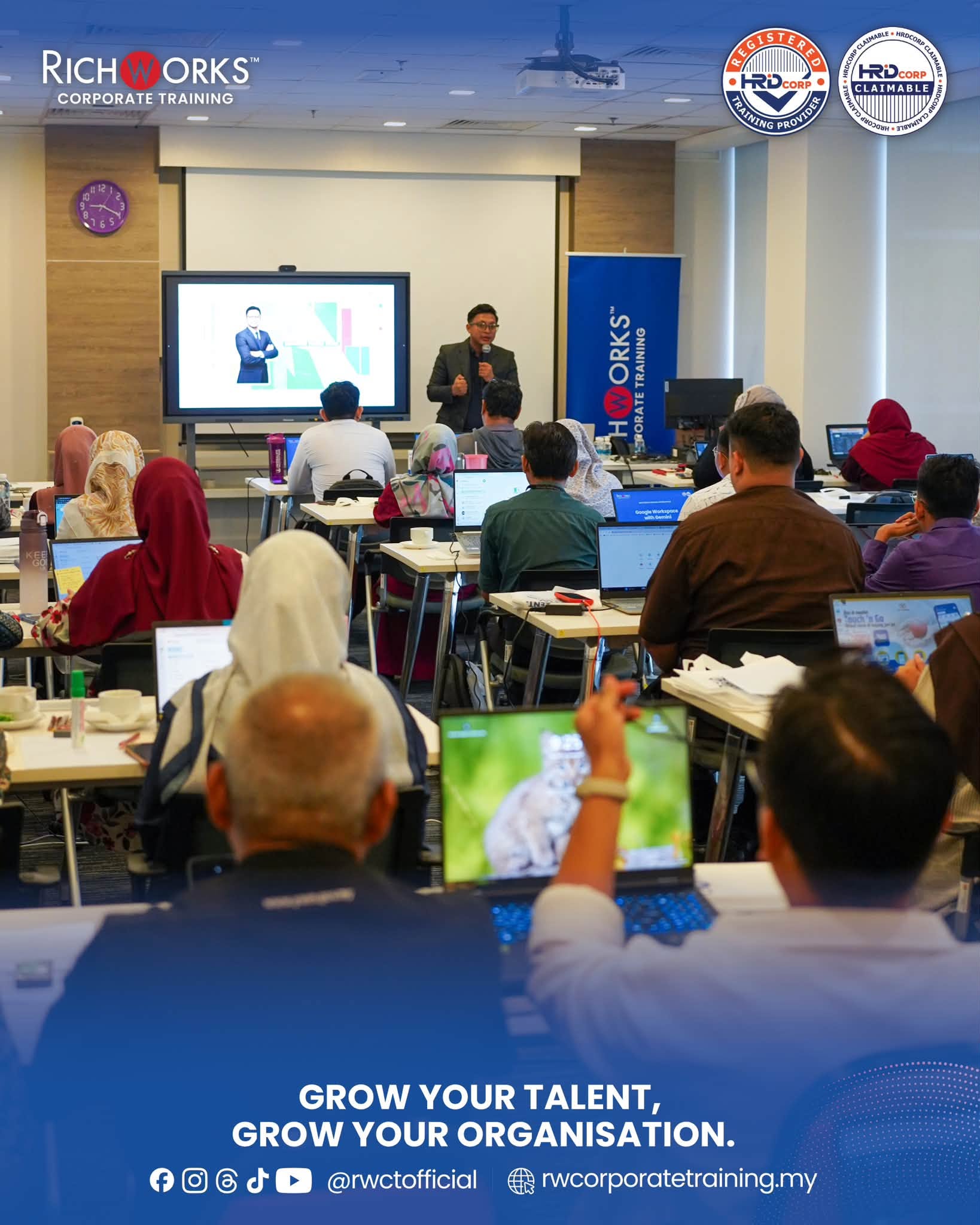
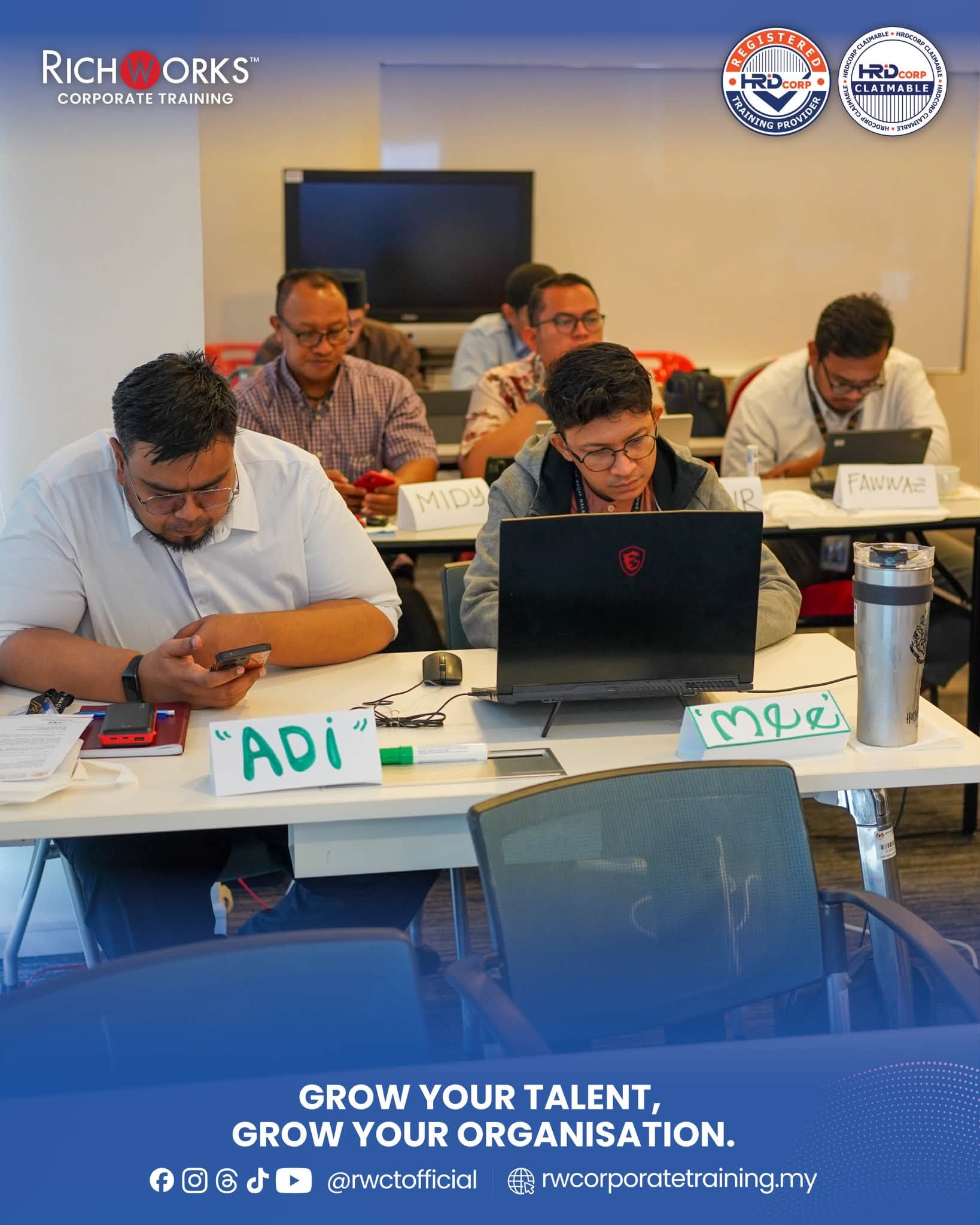
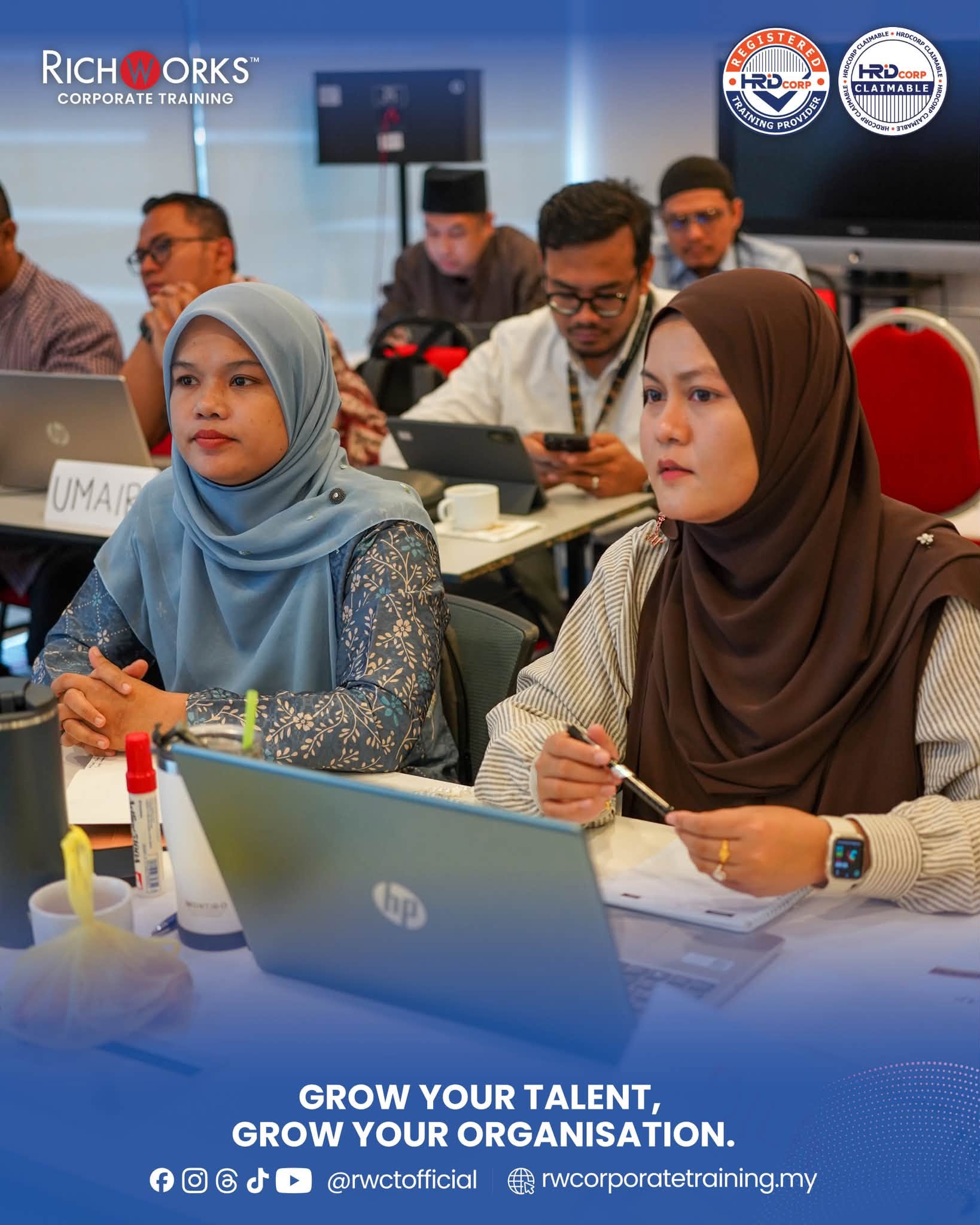
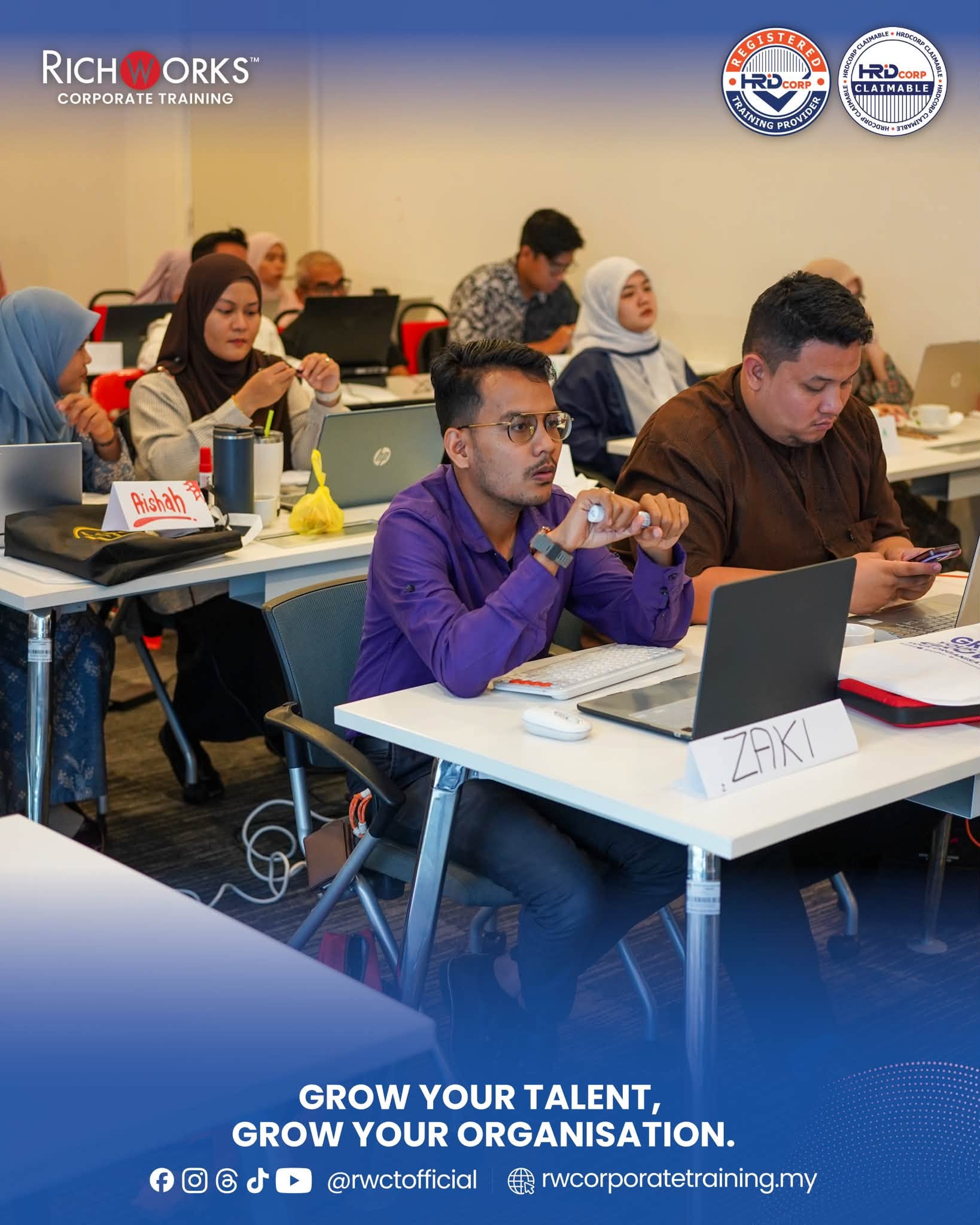
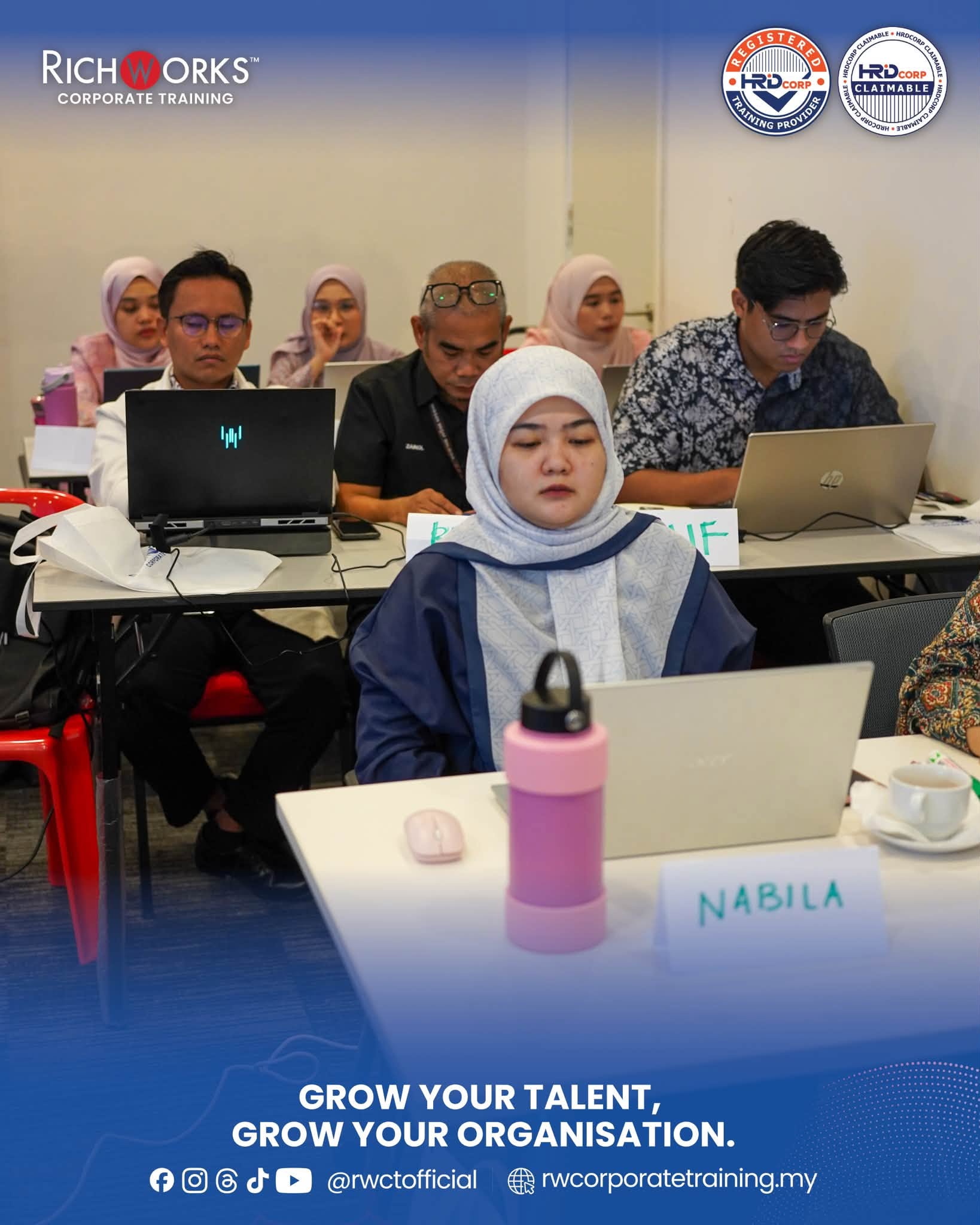
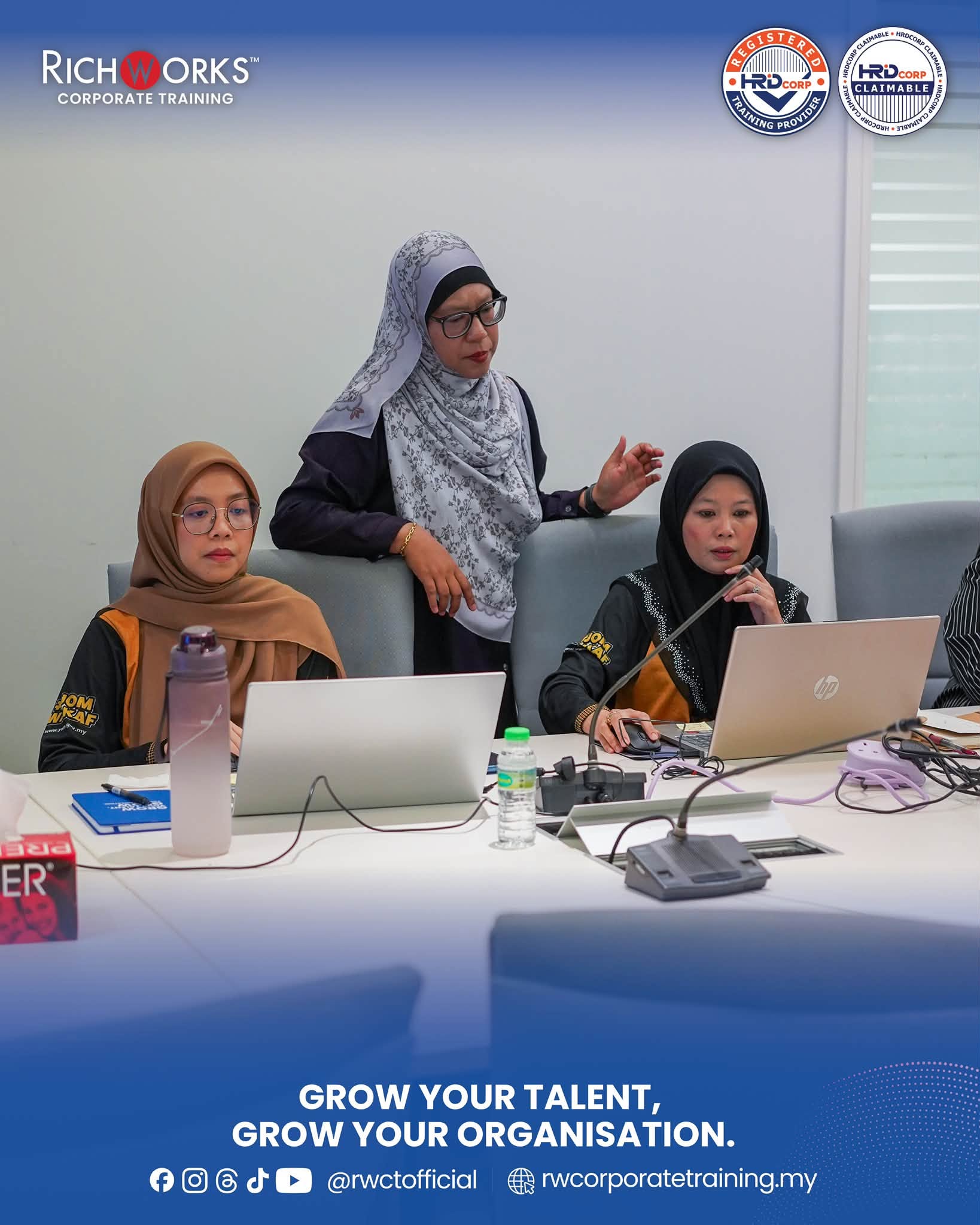
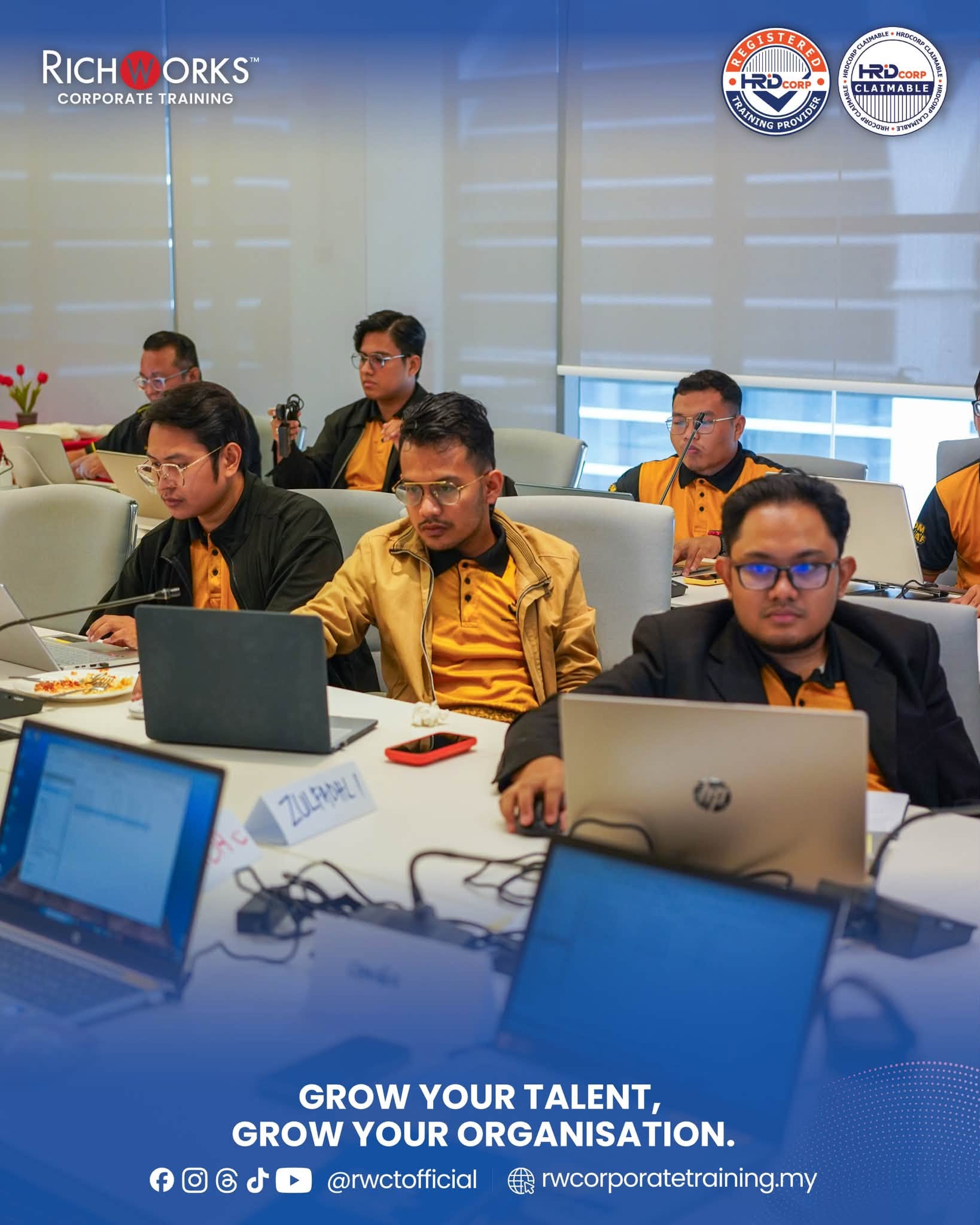
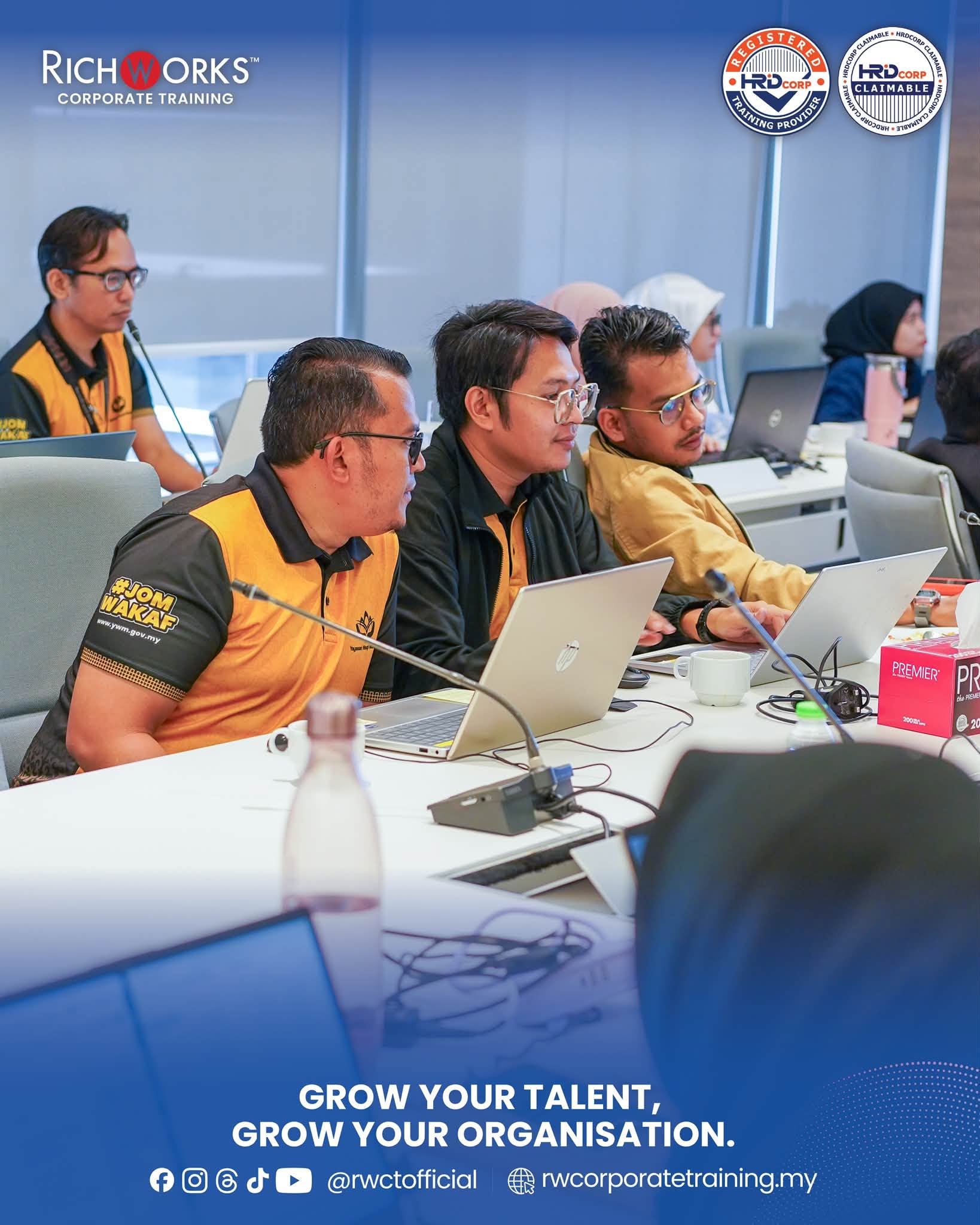
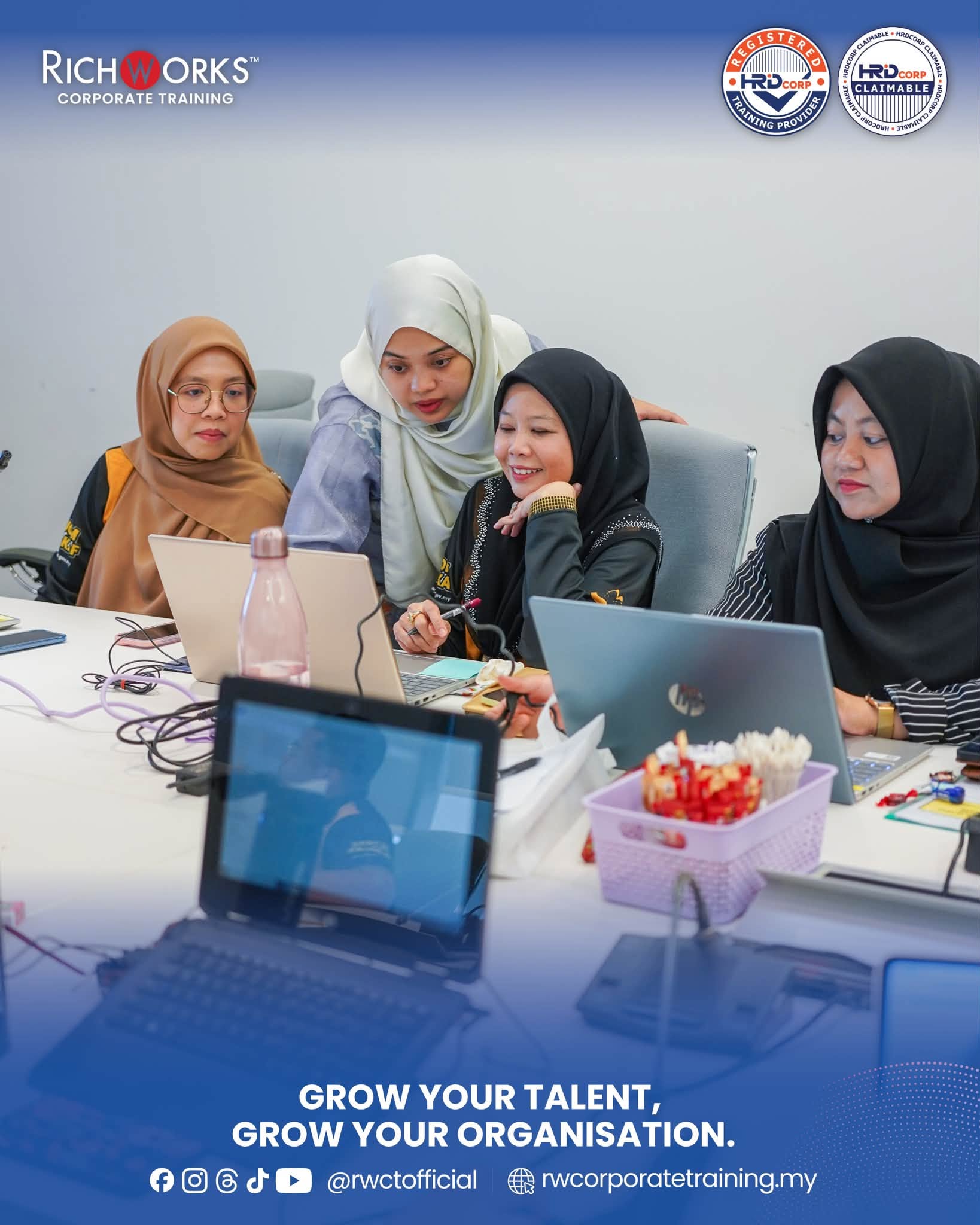
Conducted at Yayasan Waqaf Malaysia in Putrajaya, the two-day programme was structured around practical workplace application. Mr Amir Khairi guided participants through a progressive learning journey beginning with the foundations of Google Workspace and Gemini before moving into integrated workflows, reporting, presentations, collaboration, and hands-on implementation.
The programme placed particular emphasis on creating outputs that participants could relate directly to daily office responsibilities, including professional correspondence, meeting documentation, reports, SOPs, spreadsheets, management summaries, presentations, and recurring administrative workflows.
Participants began with Google Workspace Productivity Foundations + Gemini Mindset, covering Drive structures, naming conventions, Shared Drives versus My Drive, suitable Gemini use cases, and effective workplace prompting. Participants were also introduced to building their own Prompt Library for recurring tasks such as emails, document drafting, summaries, and meeting notes, alongside basic considerations around data privacy and responsible use.
The programme then moved into Gmail, Calendar & Meet, locker studio, where participants explored practical ways to draft and refine professional emails, summarise lengthy email threads, extract action items, create reusable email templates, develop meeting agendas, and convert meeting notes into minutes and follow-up communications.
For document-heavy workflows, the Drive + Docs with Gemini module focused on organising files efficiently and transforming raw or unstructured information into professional workplace documents. Participants explored structured prompting for proposals, SOPs, reports, and memos, together with techniques for rewriting, formatting, summarising, proofreading, and maintaining consistency.
Day 1 concluded with Google Sheets for Work Reporting and Decision Support. Participants explored data organisation and reporting practices, formula support involving functions such as IF, XLOOKUP, and QUERY, identifying patterns and anomalies, developing simple KPI dashboards, and translating spreadsheet findings into clearer management-level narratives.
Participants began with Google Workspace Productivity Foundations + Gemini Mindset, covering Drive structures, naming conventions, Shared Drives versus My Drive, suitable Gemini use cases, and effective workplace prompting. Participants were also introduced to building their own Prompt Library for recurring tasks such as emails, document drafting, summaries, and meeting notes, alongside basic considerations around data privacy and responsible use.
The programme then moved into Gmail, Calendar & Meet, locker studio, where participants explored practical ways to draft and refine professional emails, summarise lengthy email threads, extract action items, create reusable email templates, develop meeting agendas, and convert meeting notes into minutes and follow-up communications.
For document-heavy workflows, the Drive + Docs with Gemini module focused on organising files efficiently and transforming raw or unstructured information into professional workplace documents. Participants explored structured prompting for proposals, SOPs, reports, and memos, together with techniques for rewriting, formatting, summarising, proofreading, and maintaining consistency.
Day 1 concluded with Google Sheets for Work Reporting and Decision Support. Participants explored data organisation and reporting practices, formula support involving functions such as IF, XLOOKUP, and QUERY, identifying patterns and anomalies, developing simple KPI dashboards, and translating spreadsheet findings into clearer management-level narratives.
Why Organisations Choose Richworks Corporate Training
Richworks Corporate Training delivers HRD Corp claimable programmes that focus on practical learning, regulatory clarity, and measurable workplace impact. Our training is designed to support organisations in developing competent, confident, and compliant teams guided by experienced facilitators with real industry exposure.